If you’re looking for WordPress alternatives, you’ve probably reached a point of genuine frustration.
Maybe it’s the frequent updates, nagging security issues, constant maintenance, or just the general feeling that it’s more hassle than it should be for your needs. If that’s the case, this guide will help.
In this post, we’ll introduce you to a few WordPress alternatives, but also another alternative where you don’t have to leave WordPress at all. This alternative involves using WordPress differently to remove most of the frustrations people have with the platform.
Watch the video version of this post:
Here’s what we’ll cover:
- The real frustrations driving people to search for WordPress alternatives.
- The most common platforms people consider.
- Problems with switching to WordPress alternatives.
- A different approach.
Let’s start with why so many people begin looking for an alternative in the first place.
Why are people looking for WordPress alternatives?
If you’ve been thinking about making the switch from WordPress to another platform, you probably have one of a few reasons:
You want something ‘user-friendly’
Maybe you’re a beginner or a small business owner who just wants to build a straightforward site quickly and move on.
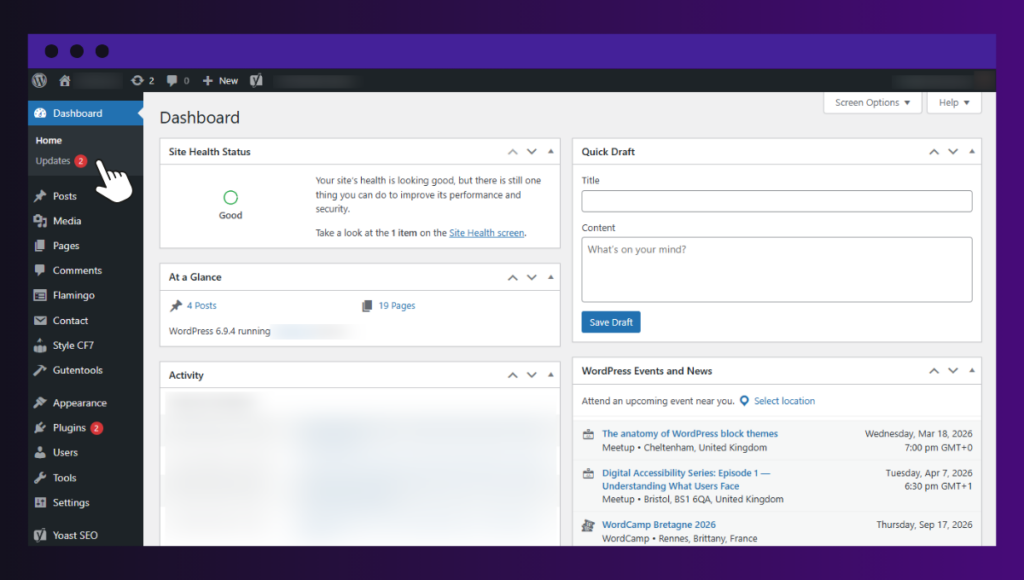
But with WordPress, you also have to manage updates, settings, and other parts of the system. For a site you barely maintain, this can feel like too much. It takes time and patience to figure out, even when your needs are small.
WordPress requires constant maintenance
Similarly, you may prefer a platform that handles hosting, security, and other technical parts on your behalf. With WordPress.org (the self-hosted version), you’re responsible for everything.
This includes hosting, security, and ongoing updates to WordPress itself, as well as plugins and themes. This constant maintenance cycle never really stops and may occasionally break things or cause headaches.
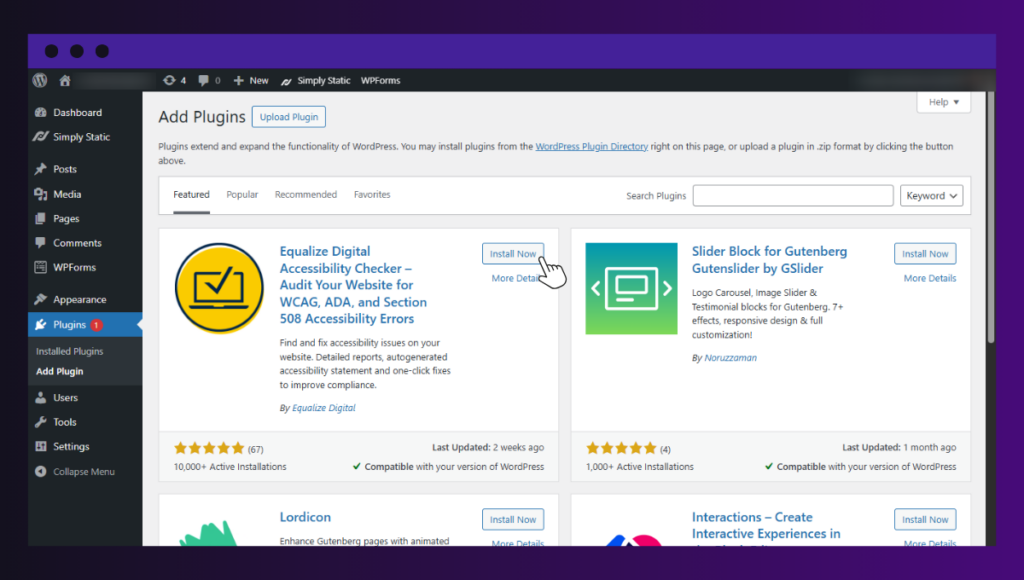
You don’t want to depend on too many plugins
Out of the box, WordPress is a nice blank canvas. To get modern functionality, many site owners often add plugins for SEO optimization, site performance, forms, social media integration, and more. Before long, things can quickly add up when your site depends on dozens of plugins, some of which you may or may not need for your site to function well.
Using too many plugins may also slow down your site or create unforeseen security risks. Plus, managing a ton of plugins for functionality becomes a job in itself.
You want a more affordable option
The core WordPress software may be free, but running a functional site usually requires paid web hosting and a domain name.
Additionally, you have to pay a monthly or annual subscription fee for each premium plugin or theme you buy. As your site grows, so do these costs, which may end up costing you more than you intended.
Site security is always a concern
Not because WordPress is inherently ‘insecure’. But its popularity as the world’s most widely used content management system (CMS) makes it a common target.
Attackers target 13,000 WordPress websites every day, and they don’t spare small sites either. Nearly 97% of WordPress vulnerabilities are found in outdated plugins and core software. These are some worrying numbers, and may be the reason you’re growing concerned.
You have a specific use case in mind
For some people, WordPress may feel like it’s too much for their business needs. For example, if you want to build an online store, you may prefer a dedicated ecommerce platform to launch your store and start marketing right away.
As you can imagine, having a WordPress website is a prerequisite for using WooCommerce. But this also gives you direct access to many other features, ranging from a wider selection of themes and apps to content management and SEO.
In short: These are all valid reasons why people look for WordPress alternatives. But WordPress itself doesn’t cause most of them. Many of these issues stem from how a traditional dynamic WordPress site operates. This may result in maintenance overhead, security concerns, slow performance, plugin bloat, or hosting complexities.
If you change this setup, many of these problems start to disappear. But before we get into this, let’s look at the most common platforms people consider when they encounter these issues in WordPress.
The most popular WordPress alternatives
The following platforms are the most common when people search for the best WordPress alternatives.
They are popular for a reason, and for some users, they are a great fit. However, every platform involves trade-offs. Before you switch, it’s important to understand what you gain and what you give up.
Wix
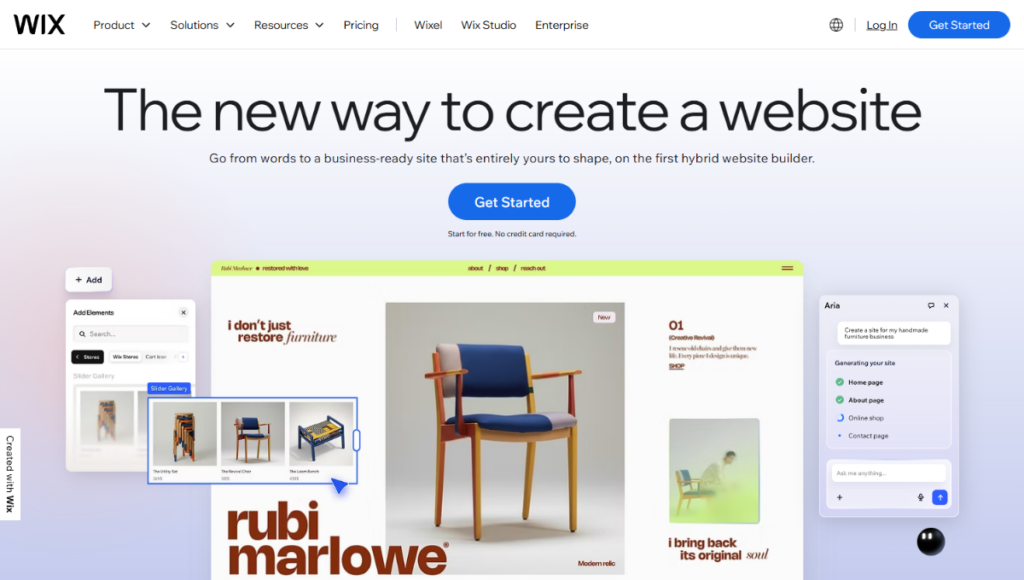
Best for: Beginners and small businesses.
Wix is one of the easiest and most reputable website builders available. It is super simple to use, making it a popular choice for non-technical users who want to create a website from scratch.
You can easily start building with one of its pre-designed templates. Then, simply customize with an intuitive drag-and-drop editor. There is nothing remotely technical you have to know to get started.
The trade-off? Wix is good for basic small-business websites, but not an ideal platform for businesses looking to scale or want more customization. Wix has a monthly plan cost, locking you in for as long as you use it. Plus, there are common complaints of slow loading times and bandwidth limitations.
Squarespace

Best for: Creative professionals.
Squarespace offers unique design templates and layouts. Because of this, it’s usually popular with creative professionals, musicians, artists, freelancers, bloggers, and those creating portfolio sites.
It also provides enough ecommerce features to build an online store.
The trade-off? Squarespace has a monthly cost and is less flexible than WordPress when it comes to advanced features or custom functionality. Like Wix, your content is tied to the platform, making it difficult to move elsewhere later. Costs also increase quickly as you add features.
Shopify
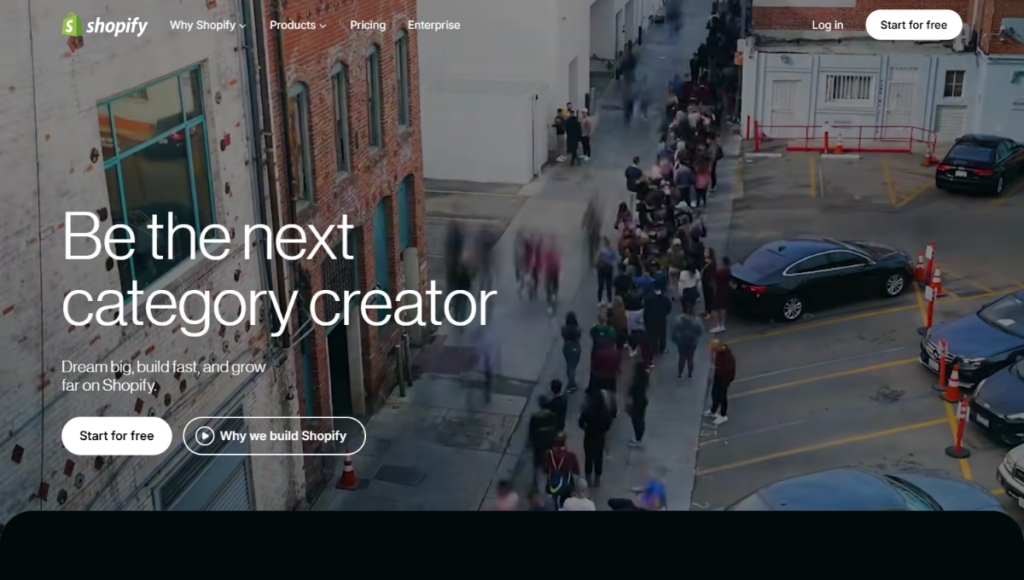
Best for: Ecommerce sites.
If you’re starting an online store and need an ecommerce-specific CMS, Shopify is usually the main choice. All Shopify features are geared toward that end.
For a monthly or annual fee, you get access to all the software and tools you need to manage, run, and customize your store.
The downside? You’re limited to the platform’s features, and you can’t customize your store as much as you’d like. Transaction fees apply on top of the monthly fee unless you use Shopify Payments. It is also less suitable as a general business website or blogging platform.
Webflow
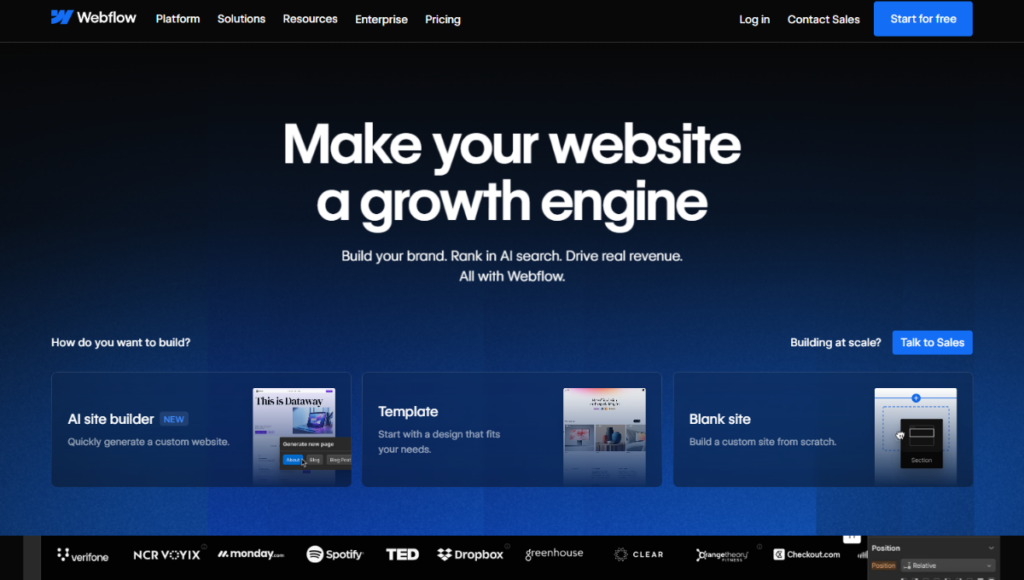
Best for: Designers and web development professionals.
Webflow is a slightly advanced web design tool. While you don’t have to write code manually, you need a solid understanding of HTML and CSS concepts (like the box model, flexbox, and grid) to build highly customizable layouts. For this reason, it’s more for designers, developers, or businesses.
Potential downside? That level of control comes with a steep learning curve and a complicated interface. It’s not the easiest platform for beginners, and pricing tends to be significant for larger sites.
Drupal
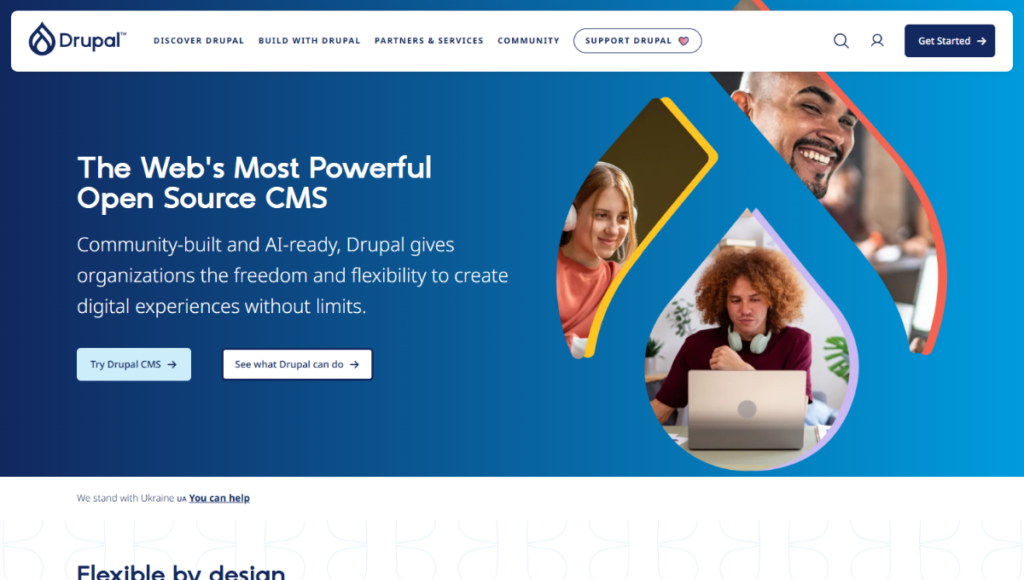
Best for: Large-scale organizations and complex websites.
Like WordPress, Drupal is a free, open-source content management system. If you need to organize a lot of complex content types and page templates, Drupal is a viable alternative to WordPress.
Potential downside? While Drupal has aimed to make its CMS easy for most people to understand, it still requires some serious training and technical knowledge. It isn’t as comprehensive or as easy to use as other CMSs on our list.
Joomla
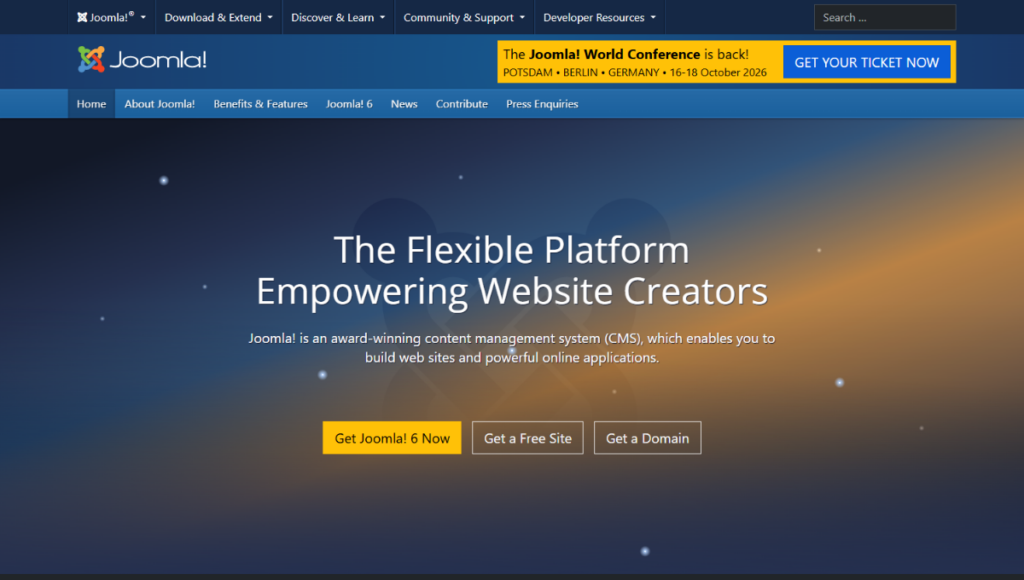
Best for: Slightly complex sites.
Joomla is another open-source CMS platform that sits somewhere between WordPress and Drupal in terms of complexity. However, it still requires a learning curve to really make the most of the platform and build nice websites.
The trade-off? Because Joomla sits between WordPress and Drupal, many people tend to opt for one of the other options based on their needs.
Weebly
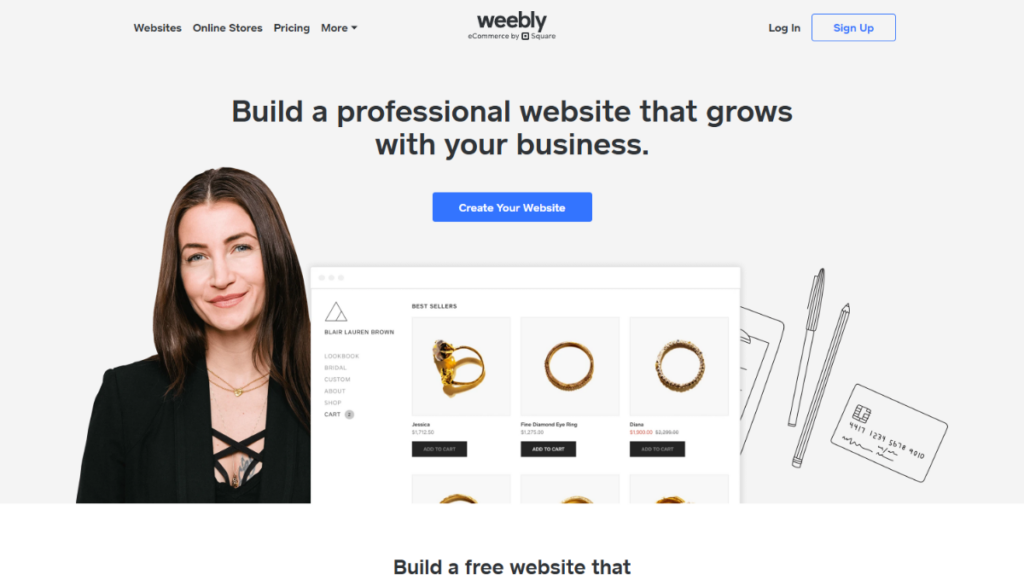
Best for: Building very simple websites or small online stores.
Weebly is famous for being extremely easy to use. It has a user-friendly interface and beginner-friendly website-building tools.
Since it’s owned by Square, it works for small businesses that already use Square to accept in-person payments.
Potential downside? Square has not updated Weebly in a long time since acquiring it. Although many users like its ease of use, Weebly still lacks the modern design features and creative freedom found in other builders. It is a solid choice for a basic site, but it’s not the best option if you want to grow a brand.
Best WordPress alternatives at a glance:
Here’s a quick table that summarizes these WordPress alternatives:
| WordPress alternative | Best use case | Downsides |
| Wix | This platform is best if you’re a beginner or a small business that needs a simple way to build a website. | It is severely limited in scalability and advanced features. |
| Squarespace | Best for creative professionals or portfolio sites. | It is hard to adapt to complex needs. |
| Shopify | Best for building ecommerce sites. | It is not the best platform for non-ecommerce sites. |
| Webflow | Appeals to designers who want to have complete creative control. | It has a steep learning curve and higher costs for large websites. |
| Drupal | Best for large-scale organizations or complex websites. | It requires some serious training and technical knowledge. |
| Joomla | Best for slightly complex sites that need more than WordPress but less than Drupal. | It still requires a bit of a learning curve. Plus, because of its small ecosystem, it can be hard to find support. |
| Weebly | Best if you already use Square and you want to build a simple site or online store. | It is heavily limited in terms of scalability and advanced features. |
Most of these WordPress alternatives try to simplify the setup, reduce maintenance, or improve your site’s performance. But they often do this by trading away the flexibility, control, or ownership you get with WordPress.
While switching to these platforms can solve some problems, it also introduces new ones. Which raises a different question:
What if you could solve the same problems without leaving WordPress?
The problem with switching to WordPress alternatives
Before we look at how to fix these pressing issues without leaving WordPress, here are a few reasons why switching to a WordPress alternative is not always the best move:
It trades one set of problems for another
While you may get rid of constant WordPress updates and self-hosting, many alternatives come with their own limitations.
For example, you may not be able to customize your site as much as you need or get full access to a wide variety of extensions or add-ons. You may even end up paying a premium for features that are free in the WordPress ecosystem.
Migrating a WordPress site to another platform is not always easy
The hassle of transferring your WordPress content to another platform takes time and money. Sometimes, you may need to rebuild your design and set up your custom domain all over again. More importantly, you may risk losing your search engine (SEO) rankings if your links and metadata aren’t transferred properly.
You’ll be locked into the ‘new’ platform
On a closed platform like Wix, you’re basically a ‘tenant.’ You cannot easily package and move your site to a new hosting service. If the provider changes their terms or changes a feature you rely on, you have no recourse. You no longer own or control the infrastructure the same way as in WordPress.
It doesn’t address the root cause
Most of the frustrations users have with WordPress, like constant updates, slow speed, or security issues, don’t come from the software itself. Instead, these issues usually occur because of the way a standard WordPress site works.
By default, WordPress is dynamic. It uses PHP and active plugins to build your pages on the fly when someone visits. For example, if you use more plugins, it takes longer to show your page to a visitor.
Switching to a different platform might not be the best alternative in this case. It doesn’t necessarily take away these problems. And neither does adding more security or performance plugins. That only makes maintenance harder for you.
Often, you just need a better way to use WordPress instead of leaving it for another platform. This typically involves making your WordPress site static.
The WordPress alternative that keeps you on WordPress
A static WordPress site is a version of your website that has been converted into simple files. These static files consist of HTML, CSS, and sometimes JavaScript. They are typically prebuilt and stored on a web server, so when someone visits your site, they can view your page instantly.
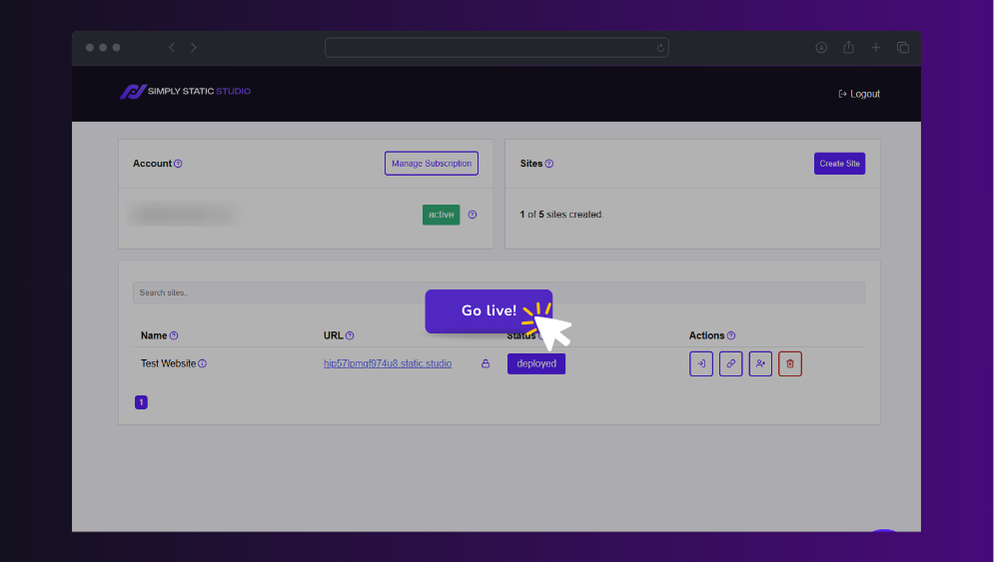
The benefits of going static
When you convert your WordPress site into a static site, you’ll enjoy the following benefits:
- High speeds. Because the pages are pre-built (stored on the web server, ready to use), they’re served almost instantly in the browser. There are no repeated database calls or server-side processing (PHP).
- Significantly better security. Static files don’t rely on a database or PHP backend. This removes the most common ways hackers attack WordPress sites, leaving almost nothing for them to target.
- Far less maintenance. Since your live site is just ‘simple’ files, you do not have to worry about a background update breaking your pages. You also won’t need many of the plugins people use to boost speed or security.
- Hosting costs also go down. Static files are lightweight and don’t require much from the server. This means you can often use very affordable WordPress hosting plans to run your site.
- No need to rebuild anything. And most importantly, you don’t have to start over. Your content, design, and domain all stay the same.
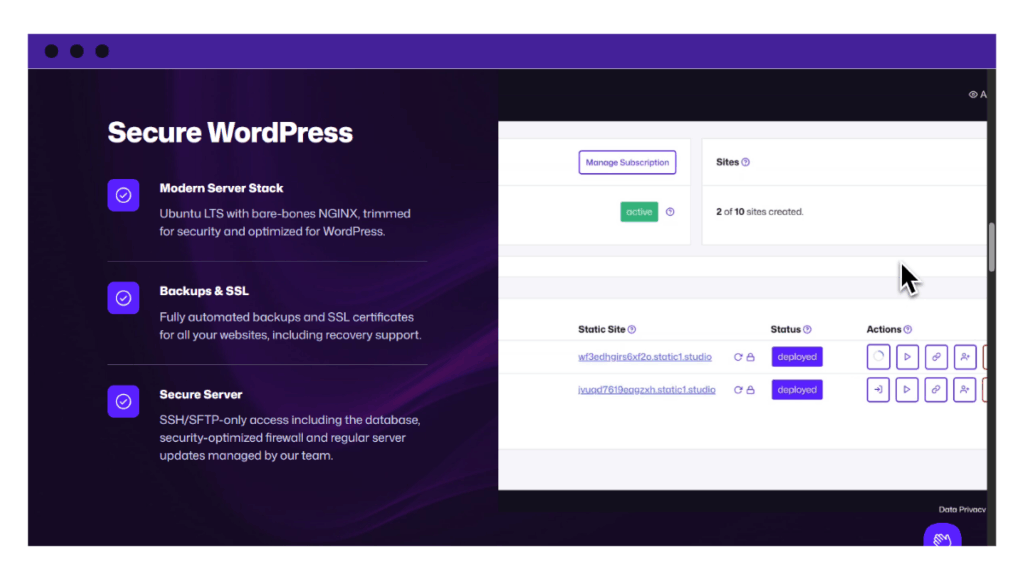
If these reasons made you want to leave WordPress, you don’t actually need to switch platforms. You can get all these benefits while staying exactly where you are.
There are a few static site generators that can turn your WordPress site into a static version. Unfortunately, most of them are just WordPress plugins that you install on top of your existing setup.
If you’re looking for a platform solution, and not just another plugin, you’ll need Simply Static Studio. It is a user-friendly and ‘managed’ platform that lets you create and manage multiple WordPress sites in a secure static environment.
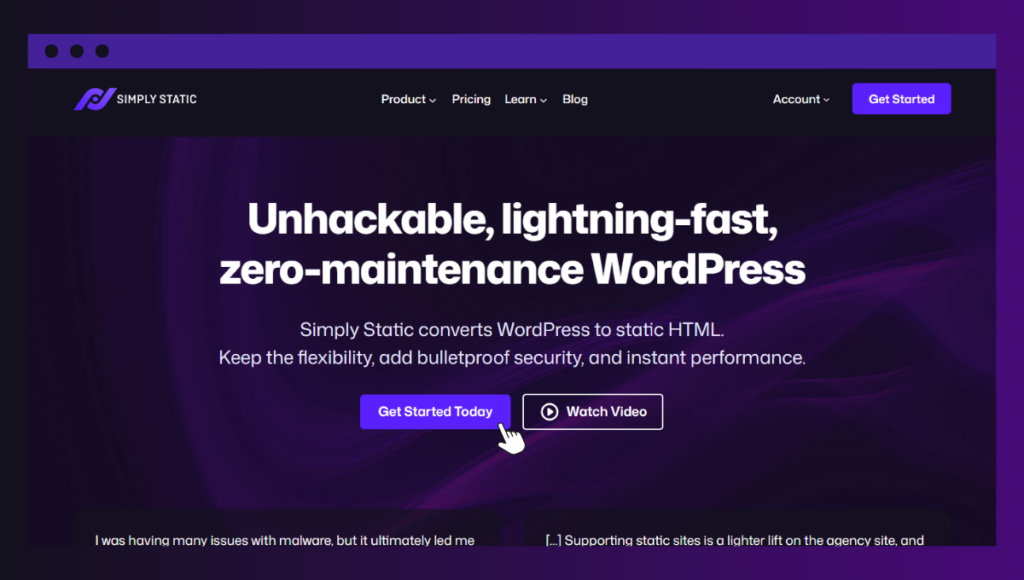
What is Simply Static Studio?
Simply Static Studio is an all-in-one platform that helps you build and manage your WordPress site without the usual headaches. You don’t have to deal with constant maintenance, security concerns, or performance issues ever again.
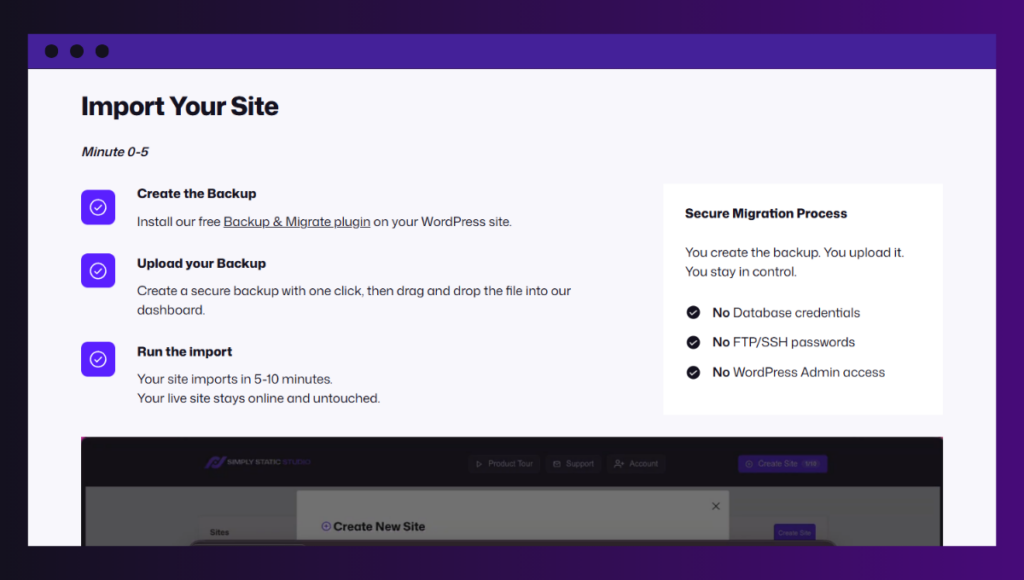
You can easily upload an existing WordPress site or create a new static site, manage content in WordPress as usual, and then publish a fast, secure static version to the web.
Simply Static Studio:
- Installs and sets up your site for you. You don’t have to worry about the technical setup or server settings. Everything is ready to go.
- Automatically converts your site into a static version. After you upload a backup, our pre-installed Simply Static plugin handles the static conversion for you.
- Is much faster and more secure by default. Because the platform handles performance optimization and security at its core, you no longer need WordPress plugins for speed and security.
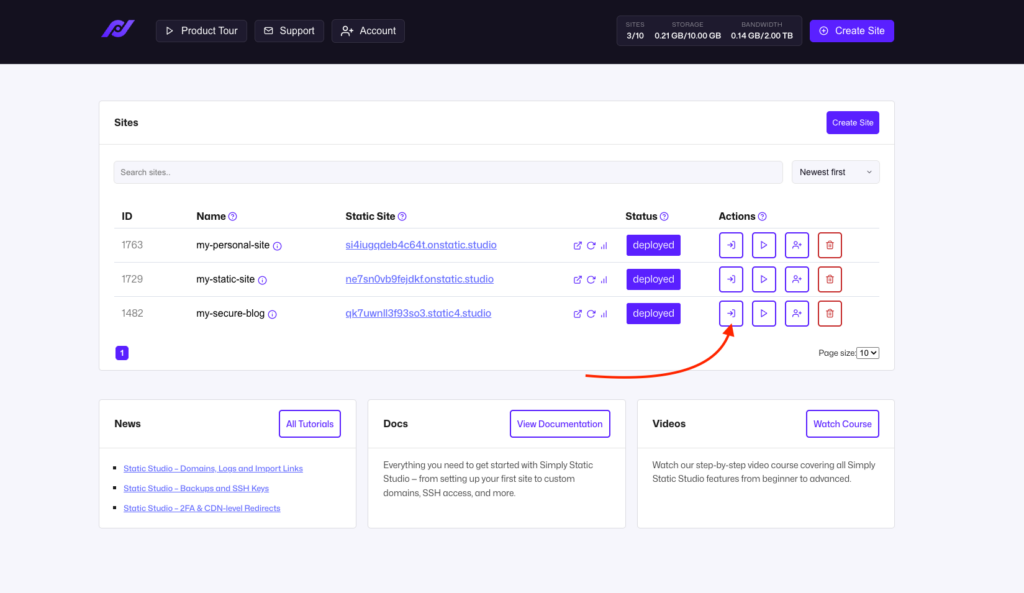
- Keeps your WordPress dashboard and its components private. You still have full access, and you can log in via a ‘passwordless’ login link in the Simply Static Studio dashboard. This keeps your backend hidden from everyone else except you and the team.
- Let’s you manage everything in one place. You can migrate or create as many new sites as you want, and organize them in a remote dashboard. You can also invite team members to help.
- Handles static hosting and global content delivery via a CDN (120+ locations worldwide). You simply connect to your custom domain and are ready to deploy.
The WordPress alternative worth trying first
While switching to other WordPress alternatives can solve some problems, it just trades one set of problems for another.
Most of the frustrations people have with WordPress, such as slow performance, affordability, constant maintenance, and security concerns, are real.
You can remove most of these problems without leaving WordPress. That’s where Simply Static Studio comes in to help you turn your WordPress site into a static site.
This static conversion makes it faster, more secure, and easier to manage. You also reduce the need for extra plugins and lower your hosting overhead.
Looking for a WordPress alternative that doesn’t require you to start over? Try Simply Static Studio today and see the difference.
Table of Contents