If you want to understand the web hosting security basics your provider should cover, this guide is here to help.
It can be hard to tell how much protection you get from a host unless you know exactly what it is they protect and what responsibilities fall on you as the website owner. Without this information, it’s difficult to know how secure your site is or how well you’re protecting your visitors.
So, in this guide, we’ll show you the essential security protections every web host should provide to help protect your site.
You’ll also learn:
- What web hosting security is.
- What to look for in a web hosting company.
- How backups, uptime, and recovery affect hosting security.
- Where traditional hosting setups fall short.
- How static WordPress hosting improves site security, and how Simply Static Studio handles these basics by design.
Try static WordPress hosting free for 7 days
No credit card. No maintenance. No headaches.
What is web hosting security?
Web hosting security refers to all the security measures a web host takes to keep your website, its data, and your visitors safe from cyber threats.
Some of these measures include, but are not limited to:
- Firewalls
- SSLSecure Sockets Layer. A technology that encrypts the data transferred between a user and a website.
- Regular backups
- Malware scanning
- DDoS protection
Most hosts also provide extra tools, features, and add-ons to help you manage and improve security on your site.
However, a web hosting company can only go so far. As a site owner, there are still proactive steps you must take to strengthen your website security further. This includes best practices like security updates, applying strong passwords, fixing broken links, and managing user access.
Take a look at our ultimate WordPress security checklist for more best practices to improve your site’s security.
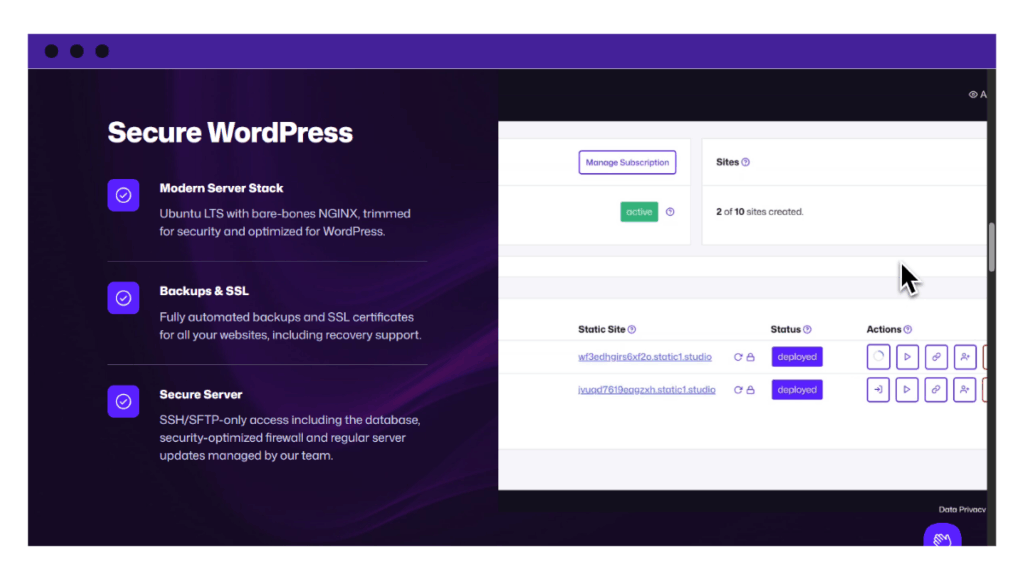
What web hosting companies are responsible for:
It helps to think about security in two distinct layers: what your host handles and what you, as the website owner, are responsible for.
Here’s a simple way to see it in a table:
| Layers of protection | Who is responsible | What are the responsibilities? |
| Hosting-level security | Web host | Web server security, firewalls, DDoS protection, backups, and SSL encryption. |
| Site-level security | Website owner | Updating WordPress/plugins, securing login pages, managing user access, file permissions, and so on. |
It’s also important to note that the level of protection you get from a host depends on the service you choose. For instance, some hosting plans cover only basic security measures, while others offer more advanced protection.
Similarly, the type of hosting is also critical. The security issues you’ll face with shared hosting are greatly reduced in cloud, dedicated, and static hosting.
Not all web hosting services you find are equal. Knowing what each plan actually protects is the first step to keeping your site safe.

What security protections should every web host provide?
At a minimum, a secure web hosting provider should have the following essential security features in place to safeguard websites and data.
A secure web server
The web server is the software (usually NGINX or Apache) that manages how your site responds to visitors. A secure host ‘hardens’ this software to block common exploits and hide technical details from hackers.
Behind the web server is the operating system, usually Linux. This system must be updated regularly with the latest security patches to close backdoors that hackers use to gain unauthorized access.
DDoS protection
This protects your site from distributed denial of service (DDoS) attacks. These attacks try to overload a server with traffic until it crashes or slows down.
In addition, DDoS protection helps filter out bad traffic and keeps your site online when traffic spikes happen. You can also check for bot or brute force protection.
Web application firewall (WAF)
Unlike a general firewall, a WAF normally stops malicious traffic before it reaches your website. It can stop spam, SQL injections, cross-site scripting, DDoS attacks, and other common cyber attacks.
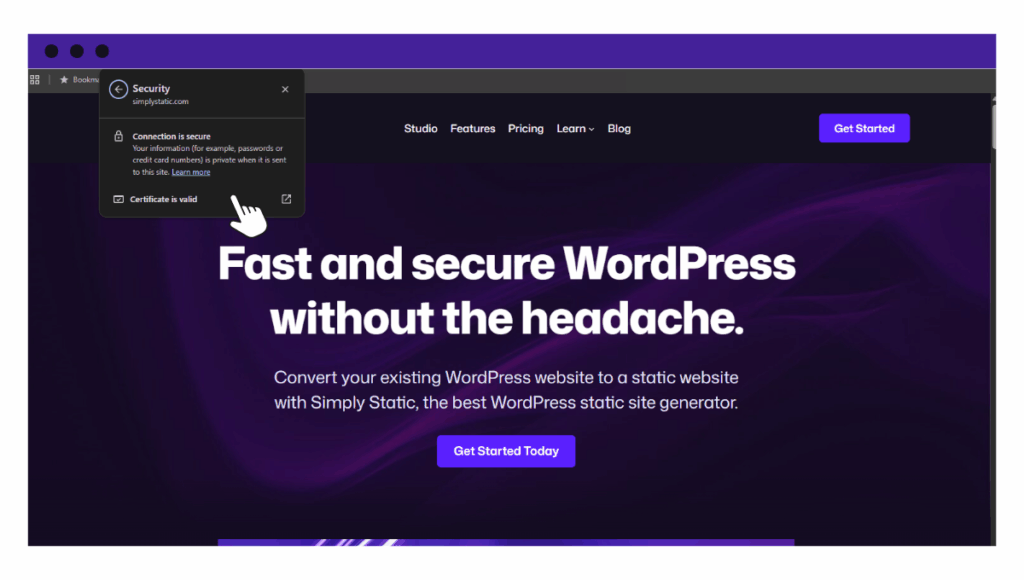
Automated SSL certificates
SSL, or Secure Sockets Layer, secures your site connection on the web using HTTPS. Most web hosts offer it for free via Let’s Encrypt (including renewals).
This is what protects sensitive information, like login credentials, payment info, and other customer data. This protection helps build trust with your visitors.
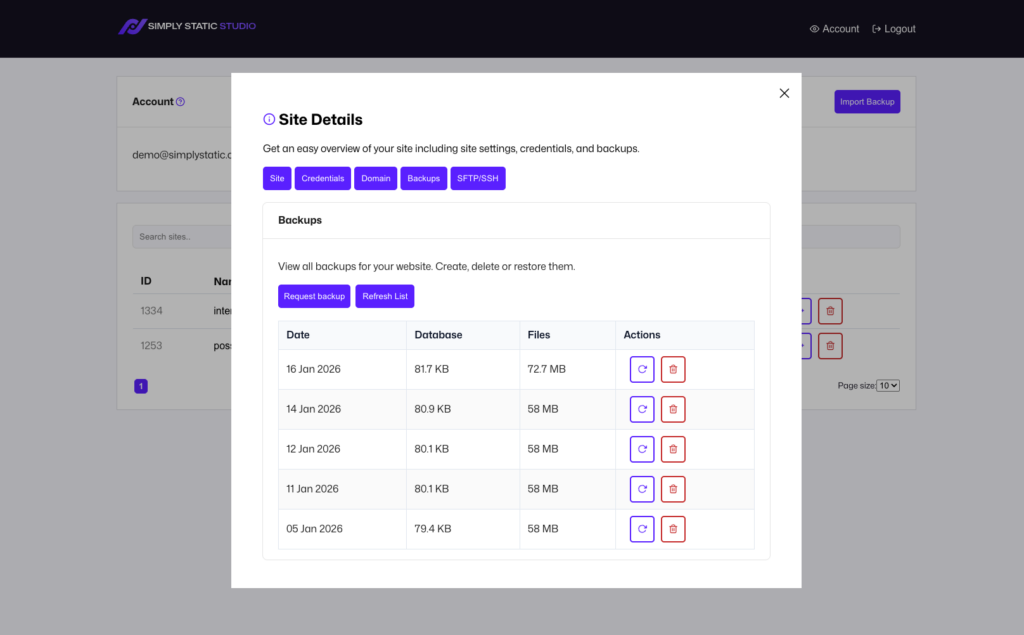
Automatic backups
Every host should automatically back up your website monthly (at a minimum). Ideally, these backups should be stored in a remote location on an entirely separate provider. This ensures you can recover quickly from crashes, bad pluginA piece of software that adds specific features to WordPress. updates, data breaches, or human error.
Note: If your site changes frequently (think blogs or ecommerce sites), you’ll want to back up more often.
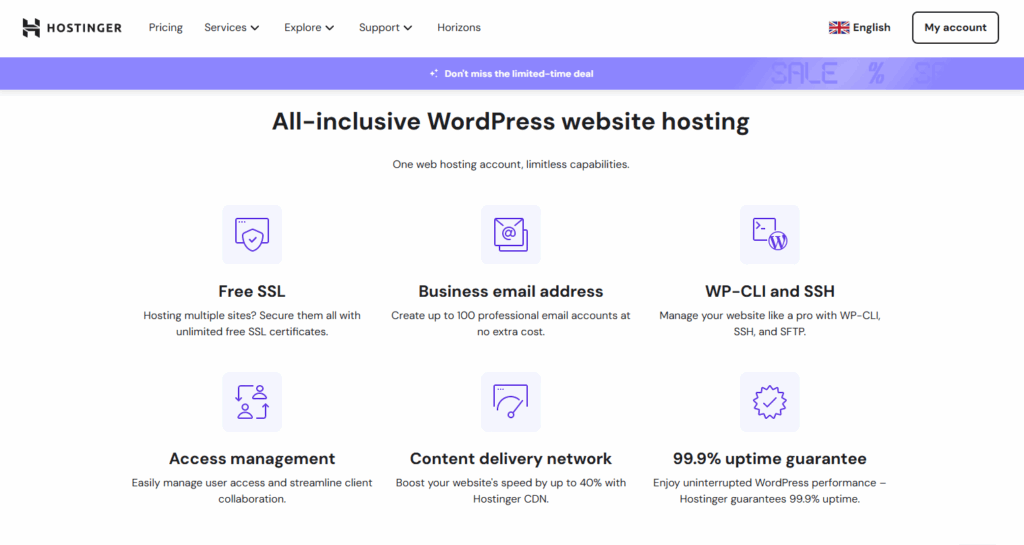
Real-time monitoring
This mainly includes:
- Malware scanner. This tool regularly scans your files to find and remove malicious code, backdoors, and viruses.
- 24/7 monitoring. Basically, you want to entrust your site’s safety to a host with a dedicated security team that actively monitors for any cybersecurity threats.
This proactive approach can help detect security issues early and help with damage control.
Secure logins
Every host should at least allow secure connections via the following access control options:
- Secure FTPFile Transfer Protocol. A method for transferring files between a local system and a server over the internet. (SFTPSecure File Transfer Protocol. A secure method of transferring files between a local system and a remote server.). This access option upload files securely without exposing passwords.
- Two-factor authentication (2FA) adds an extra layer of protection to stop unauthorized password logins.
- SSHSecure Shell. A method for securely connecting to a remote computer. public key authentication. This gives secure command-line access without using passwords. It’s helpful, especially if you’re a developer.
Altogether, these components form the basic web hosting security features every provider should have to keep a website (and users) safe from common threats.
How do backups, uptime, and recovery affect web hosting security?
Imagine a worst-case scenario where all of your WordPress site data is wiped out. Or maybe your site is hacked, or you accidentally lose your password.
In situations like these, you can save yourself a massive headache of losing everything on your site if your web host backs up all your data (files, database, and media) automatically and stores them remotely.
Data recovery (one-click recovery)
If something goes wrong, backups ensure you can recover quickly by restoring a previous version of your site from a week or two ago from the dashboard.
A quick restore helps you:
- Minimize downtime.
- Keep your site online and accessible.
- Avoid losing traffic, SEO rankings, and revenue.
Without a backup, you’d be back to square one, or the recovery may be delayed.
Check for the following in a hosting plan
Essentially, when you’re reviewing your hosting plan, you should check if a provider offers the following backup features:
- Backs up your entire WordPress installation or website.
- Do they offer hourly, twice daily, daily, biweekly, weekly, or monthly backups? Automatic backups ensure that you always have the latest backup of your site.
- Automatically store backup files in accessible remote storage locations like Dropbox or Google Drive.
- Check if the host keeps at least 30 days of backup history.
- Customize backup content and choose what to restore.
Common limitations with backups on shared and managed hosting solutions
While backups are an important part of website security, some hosting solutions may fall short. For example, they may:
- Limit automatic backups or charge extra for them.
- Offer slow restore options or require you to submit a support ticket.
- Require website owners to install a WordPress backup plugin to get full control.
Talking about limitations, let’s take a look at where traditional hosting setups may fail to meet security expectations.
Where do traditional hosting setups fall short on security?
Different types of web hosting have different strengths. But they also come with some built-in limitations you should know about.
Here are a few common hosting types and their limitations.
Security limitations in shared hosting
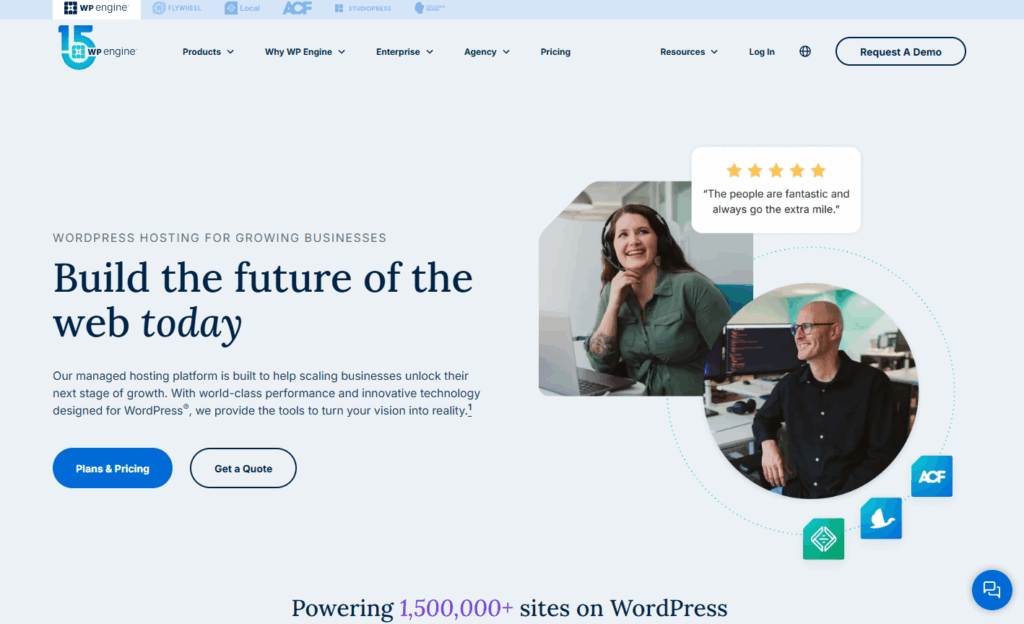
Shared hosting is popular among first-time website owners because it’s affordable and easy to set up. In this setup, many websites share the same server and resources like memory and storage.
However, sharing the same hosting environment also implies:
- Security settings are applied to all sites on the server, not just yours.
- If one site has a vulnerability, it could affect other sites if the server isn’t fully isolated.
- Custom security setups for a single site are often limited.
These are normal trade-offs for the shared hosting model that may put you at risk.
Managed hosting
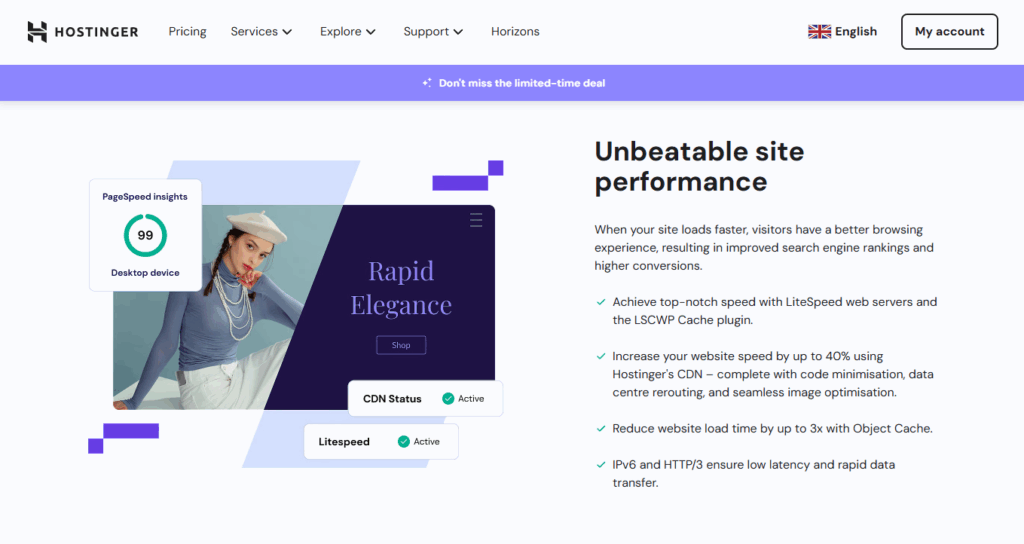
On the other hand, managed hosting adds helpful services. This usually includes:
- Automatic WordPress and plugin updates.
- Backups.
- Server-level protection.
These features reduce many security risks, but some vulnerabilities remain.
Even with the best-managed host, a traditional WordPress site will still have the same weak points hackers often target:
- Live WordPress installation.
- Login pages.
- PHPA widely-used programming language especially suited for web development. plugins.
- A database.
So, how can you avoid these security limitations and remove the common attack surfaces altogether? This is where static WordPress hosting takes things further.
How does static WordPress hosting improve web hosting security?
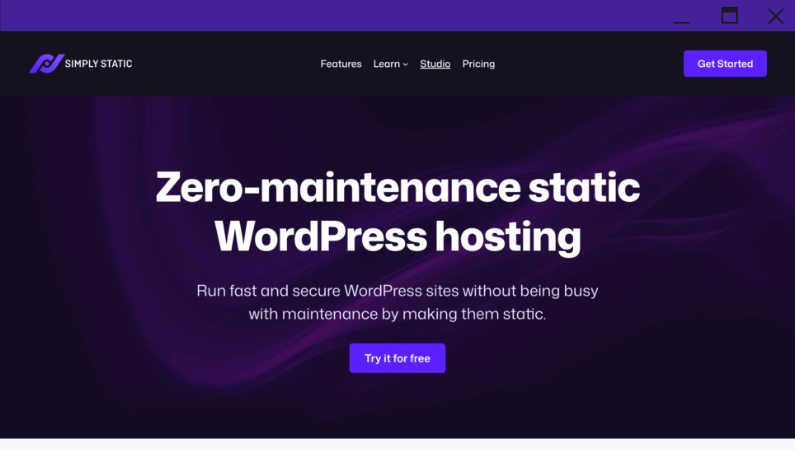
Static WordPress hosting takes a different approach to running a website. Instead of serving a live site from WordPress itself, the CMS is kept private and hidden. Only a secure, static version of the site is ever shown to the public.
This separation creates a massive security advantage:
- You can still use WordPress privately as a content management system.
- However, your site is converted into static files (HTMLHyperText Markup Language. It’s the standard language for creating web pages., CSSCascading Style Sheet. It’s a language used for describing the look and formatting of a document written in HTML., JS) first.
- Then, the static copy is deployed securely to the web by the host.
Because this separation removes the live database, login pages, and plugins from the frontend site altogether, there’s simply nothing left for a hacker to exploit.
Other benefits beyond security
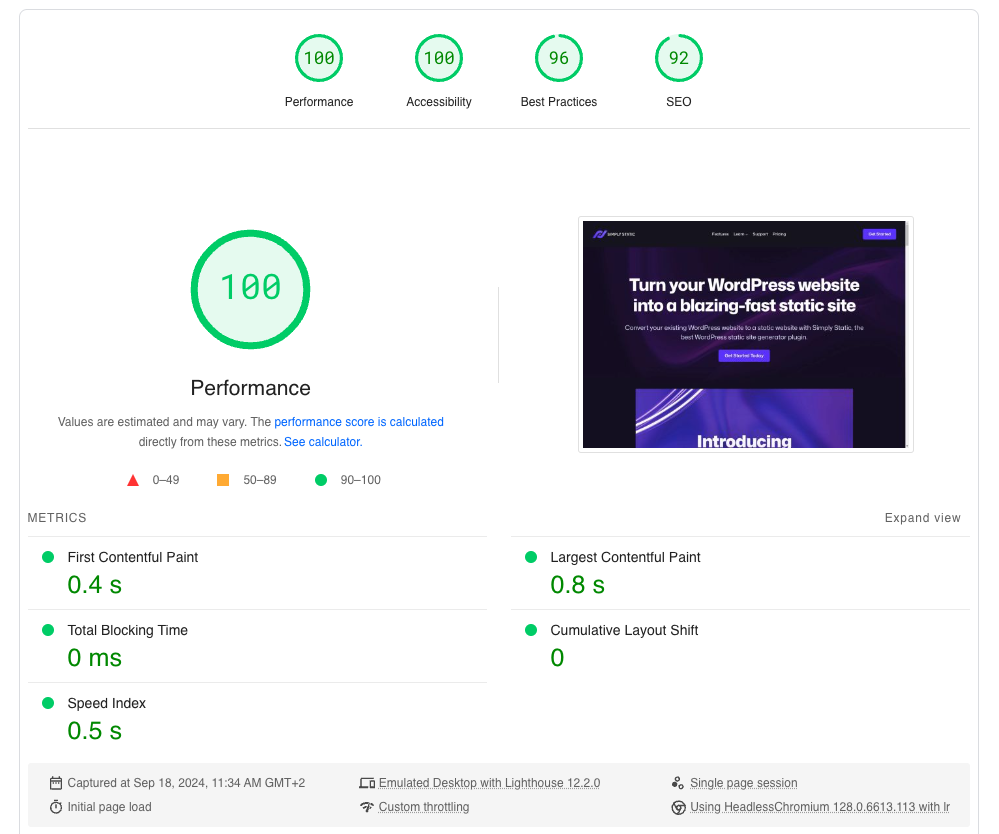
Aside from the reduced attack surface, static conversion also:
- Maximizes your site speed.
- Reduces maintenance because of fewer moving parts.
- Improves uptime and reliability.
Here’s a table that compares static WordPress hosting vs managed WordPress hosting:
| Hosting solution | Limitation | How it protects your site | Best for |
| Managed WordPress hosting | WordPress, plugins, themes, and the database are still publicly accessible to hackers | Automatic updates, WAF, backups, malware scanning, etc. | Best for dynamic websites that need plugins, themes, and ecommerce features. |
| Statc WordPess hosting | If a website relies on dynamic features, static hosting may not work well for it. | It removes plugins, databases, and login pages from public access. Then, serves static files via secure servers and CDNs. | Best for sites that focus on content rather than having many interactive elements. |
| Shared hosting | Many sites share the same server and security settings. An attack on one site can put yours at risk. | Basic firewalls, shared isolation, SSL, and sometimes backups. | Best if you’re a small website on a tight budget. |
Read our guide on managed vs static WordPress hosting to see the pros and cons of each option.
Try static WordPress hosting free for 7 days
No credit card. No maintenance. No headaches.
How does Simply Static Studio cover web hosting security basics?
Simply Static Studio improves web hosting security by eliminating the most common risks found in traditional WordPress hosting.
It is built around three core security principles:
- Keeping WordPress private.
- Serving the public site as static files.
- Removing what attackers can access.
That’s why there are no more PHP exploits, no database attacks, no login pages, no plugin vulnerabilities, and far less bloat.
You manage your site privately in WordPress, while Simply Static Studio publishes a secure, static version of your content to the web.
Several components are combined to tighten your site’s security in the following ways:
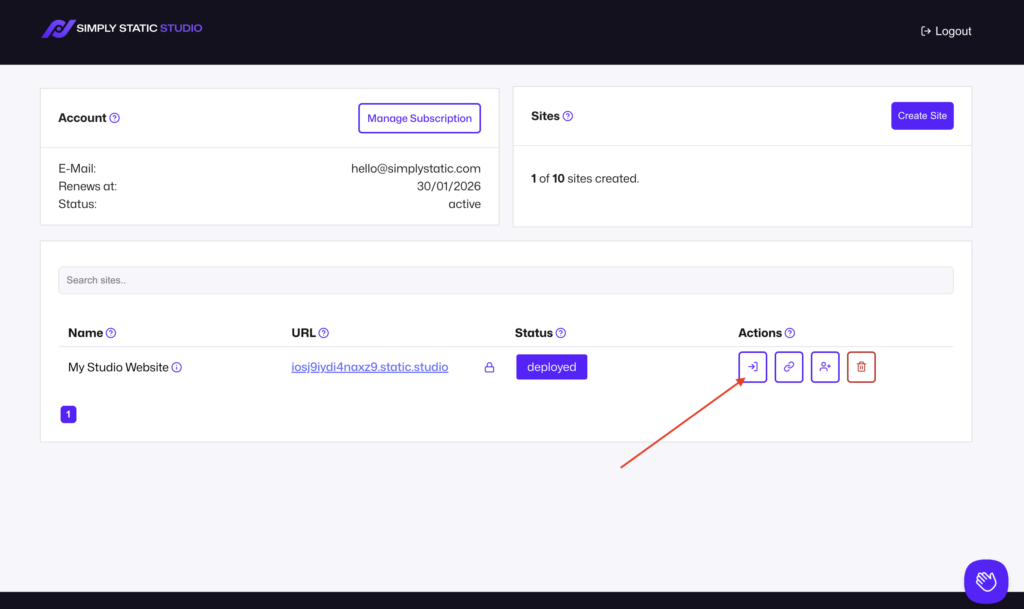
A locked-down WordPress origin
WordPress is completely locked down, and you can only access it from Static Studio’s control panel via a secure login. This login to your WordPress dashboard is passwordless, meaning:
- Each login link expires after 30 seconds.
- Links aren’t shareable and are validated against the user logged in (so, no person-in-the-middle attacks).
- Credentials aren’t saved, stored, or reused anywhere.
Static hosting delivered via a CDN
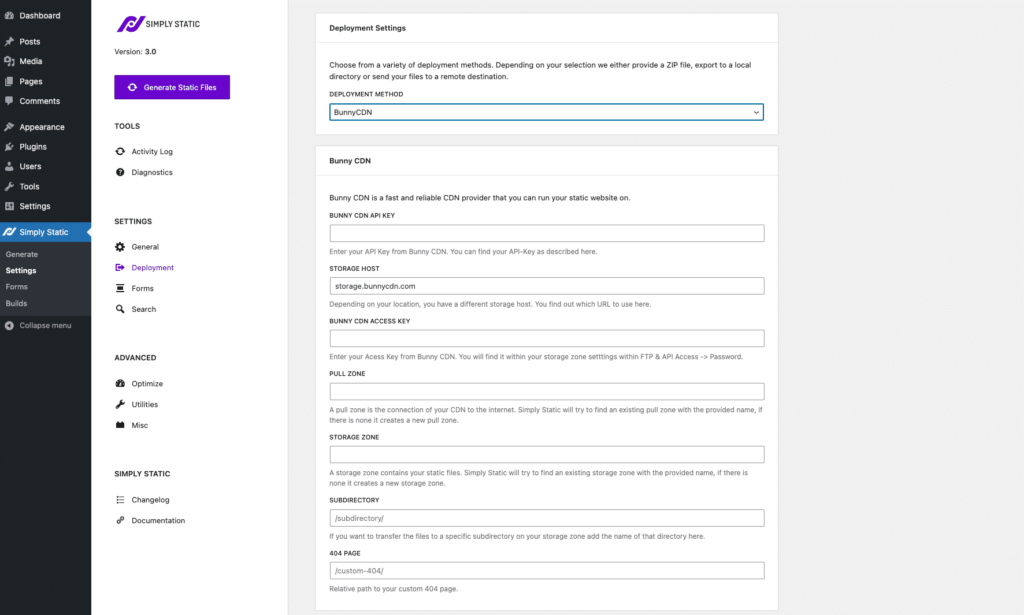
Static Studio delivers all static sites through a content delivery network (CDNStands for Content Delivery Network. It’s a system of distributed servers that deliver web content quickly to users base…). This CDN hosts your static files, and it’s optimized for performance and web hosting security best practices.
Reduced exposure to common security threats
Because the public site is static:
- There are no login pages to attack.
- Plugins and themes are not publicly accessible.
- Databases are completely removed from the hosting server.
- No PHP is running on the frontend.
This removes many of the most common WordPress attack paths by default.
Simple pricing without security add-ons
Many hosts offer basic security, then charge extra for add-ons to improve protection. With Simply Static Studio, there’s no need to stack extra security add-ons. Because your public site is static, many common security risks are already removed by default.
Pricing stays simple and predictable, and only changes based on how many websites you host, not on how many security features you add.
If you want the easiest and safest path to static WordPress hosting, then Simply Static Studio is the best, most practical option. It’s beginner-friendly, maintenance-free, and a zero-configuration platform.
FAQs about web hosting security
What’s the difference between web hosting security and website security?
The main difference lies in who is responsible for security. Web hosting security includes all the measures the host takes to protect the server where your site lives. This includes things like firewalls, server updates, SSL certificates, and monitoring.
Website security, on the other hand, is what you do to protect your site itself. This covers updating WordPress and plugins, using strong passwords, managing user access, and making sure your content and sensitive data are safe.
Is managed hosting secure enough?
Aside from just hosting, managed hosting is a solution that adds additional features and services that make managing a site much easier and more convenient. Does that make it more secure? Yes, it is significantly safer than standard hosting.
However, you still need to follow security best practices to safeguard your site further. That’s because managed hosts still leave your login pages, plugins, and the database exposed to attackers.
Do static sites still need security tools?
The short answer is, mostly no. Static sites are inherently secure because the components hackers usually target, like databases, PHP plugins, and login pages, simply don’t exist on the public version of your site. This eliminates the need for bulky security plugins that slow down your site.
What you need instead is a platform that can help you create, manage, and deploy static websites securely. If you love WordPress, Simply Static Studio could be your go-to static WordPress host.
What should I look for in a secure web hosting provider?
Here are some of the features you should look for in a secure hosting provider:
Automatic backups, server updates, firewalls (WAF), SSL/TLS support, real-time monitoring, and clear guidance on what the host protects versus what you need to manage yourself.
How do you choose a more secure web hosting?
Choosing a secure web host starts with understanding what security should include. At a minimum, a host should provide features like automatic server updates, firewalls, SSL certificates, malware monitoring, and reliable backups.
Many traditional hosting plans cover some of these web hosting security basics, but they often leave gaps. Shared servers, live WordPress installations, and plugins can still expose your site to attacks, even with managed hosting.
If you want a simple, lower-risk approach to tighten your security further, then static WordPress hosting is the way to go. By keeping WordPress hidden, it removes those attack surfaces altogether.
Need a static host that makes it easy to manage and deploy WordPress in a static environment? Simply Static Studio is your go-to platform.
In Studio, WordPress is locked down in a secure control panel where you can also create, manage, and deploy as many static sites as you want securely to the web.
Try static WordPress hosting free for 7 days
No credit card. No maintenance. No headaches.