If you’re wondering how many plugins is too many for your WordPress site, this guide is here to help.
Plugins are great because they allow you to add the features you need to run your WordPress site. Need forms for your marketing campaigns, a specific payment gateway, or pre-designed templates? There’s a plugin for everything. But, as you add plugins to your site, is there such a thing as too many plugins? And if so, how many is too many?
In this guide, we’ll help you answer the question ‘How many plugins is too many for my WordPress site?’
We’ll do it by covering:
- Whether there is a ‘safe’ number of plugins to have on your site.
- Why too many plugins can be a problem.
- Why most WordPress sites accumulate a lot of plugins, and how to audit your installed plugins.
- How a static WordPress site reduces plugin bloat.
Let’s start by first understanding if there is a specific number of plugins that is considered ‘safe’.
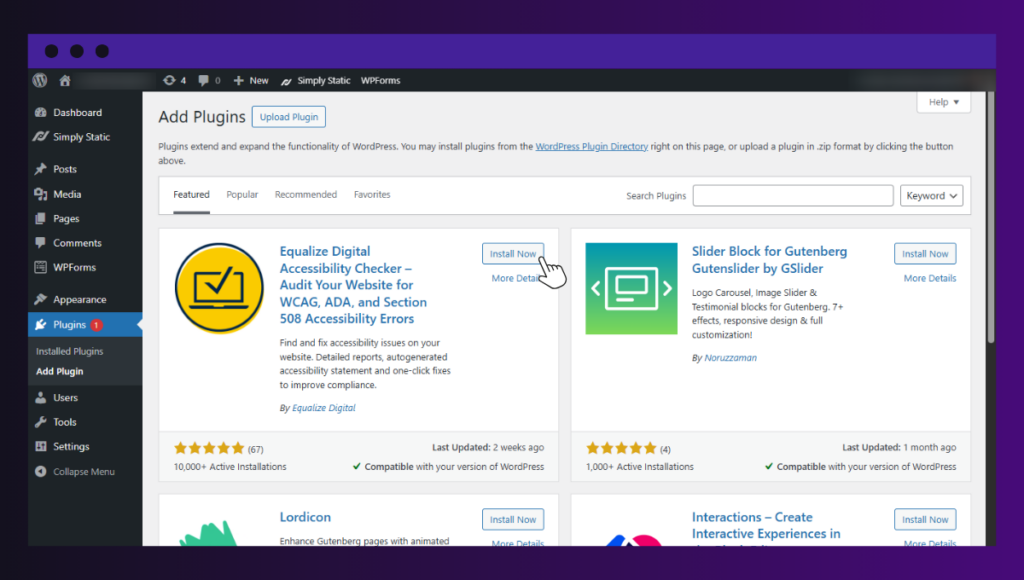
Is there a ‘safe’ number of plugins?
You might be wondering if there’s a limit to the number of plugins you can install before they start to become a problem for your site. The answer is no. You can have a site that breaks with only three plugins, or another one that runs flawlessly with fifty.
The ‘too many plugins’ argument comes from the idea that more plugins equal more problems.
While there’s some truth to that, the number of plugins mostly matters less than:
- Plugin quality. Well-coded plugins are secure and efficient. They avoid unnecessary processes that could slow down your site’s performance.
- Update frequency. When a plugin is regularly updated, you receive bug fixes and security patches regularly. But if it isn’t, it can become a security risk.
- Compatibility. Plugins interact with other plugins and your theme. If they’re compatible, they shouldn’t cause any problems.
- What the plugin actually does. In some cases, you could have a plugin that does a lot, but it’s justified to do so. For example, a security plugin that scans the entire site for malware.
When looking at plugin numbers, you must also take all of the above into account.
How many plugins is too many?
Although the number of plugins doesn’t determine the risk they pose to your website on its own, here are some ranges you can work with.
| Plugin count range | Risk level | Explanation |
| 5-10 | Low. | Usually manageable if they are well-coded, regularly updated, and serve clear functions. |
| 10-20 | Moderate. | Requires more compatibility checks and ongoing maintenance. Risk increases if multiple plugins overlap in functionality. |
| 20+ | Higher. | Greater chance of conflicts, more updates to manage, increased vulnerabilities, and heavier maintenance overhead. |
Having said all of this, having too many plugins can be a problem for your site. Here’s why.
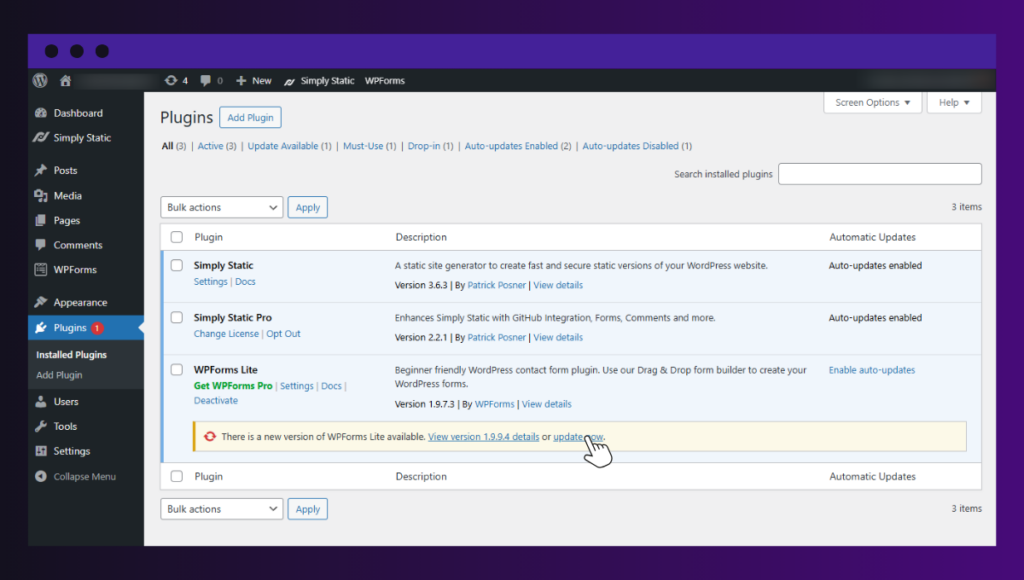
Why too many plugins can become a problem
We know that adding plugins adds more features to your site. Here’s why adding too many becomes a problem.
More plugins could degrade your website’s performance
To understand their performance impact, look at it this way: plugins are pieces of code that run on your site when installed. So, adding more plugins means adding more code for your site to run.
More plugins come with:
- More database queries. Most moderate plugins run about 5-20 queries. If you add two or three more, that’s double or triple the number of queries. It’s worse for poorly-coded plugins, for example, an image optimization plugin that runs 20+ queries.
- More HTTP requests. As it is with database queries, more plugins result in more HTTP requests. This is because every plugin needs these requests to load its own files and external resources when a user clicks a page.
- Additional CSS and JavaScript on the front-end. Plugins that add elements to your front-end (contact forms, search widgets, etc.) will need to load more CSS and JavaScript.
All the above compete for the same server memory, processing power, and network bandwidth. Which means if you have more, they stretch the server’s resources, which could cause slow load times.
A higher likelihood of compatibility conflicts
With many plugins, you have multiple pieces of code trying to interact with the same WordPress environment.
Some of them often modify the same features, for example:
- A caching plugin and a security plugin handle how your site delivers requests and pages.
- Your page builder and WordPress theme control styling.
If you have too many, one plugin could override the others’ modifications or even change their output. The result? Broken layouts or missing content and functionality.
They could introduce more security risks
A recent study found that 91% of new WordPress vulnerabilities are in its plugins.
Each plugin is an attack surface for attackers. So if you have many plugins, you have a pretty large attack surface (meaning attackers have more to work with). What’s worse, each plugin can have vulnerabilities (security flaws that attackers can exploit to hack into the plugin).
It doesn’t matter if the plugin is inactive or not. As long as an inactive plugin is installed on your site, attackers can use it to break in.
Another way too many plugins pose a security risk to your site is that you could easily have an outdated plugin installed. Outdated plugins often have unpatched vulnerabilities that hackers can exploit.
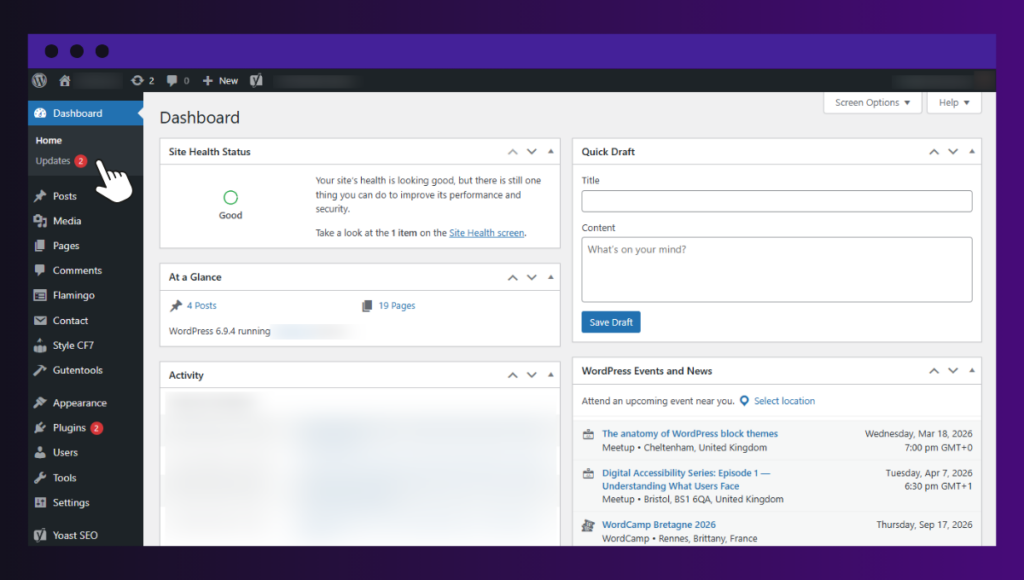
They increase the maintenance overhead
Maintenance becomes more difficult when your WordPress site has too many plugins, as each plugin adds ongoing tasks to manage. As the number of plugins increases, so does the work needed to maintain them.
- Updates become frequent and harder to manage. You’ll find it harder to track which plugins have been updated and which need updates.
- Troubleshooting becomes more difficult. If a feature (like a contact form) stops working, plugins are usually behind it. With too many plugins, it’s much more difficult to isolate the specific plugin responsible for this.
- Compatibility checks take more effort. In an ideal world, before a major update, you would confirm that all your plugins are compatible with it. Checking compatibility takes more time and effort if you have many plugins.
It gets to a point where managing all this is too difficult. Most WordPress users know that too many plugins is a problem. So, how is it that most WordPress sites still accumulate a lot of plugins?
Why do most WordPress sites accumulate a lot of plugins?
Having too many plugins is rarely a choice. For most sites, plugins creep up on the site owner without them realizing it. Here are some of the ways in which this happens.
The habit of solving each problem with a plugin
You can solve problems easily in your WordPress websites by adding plugins. Today, you may want a ‘Back to Top’ button, so you find a plugin for it. And in the following week, you want a ‘WhatsApp Chat’ button, so you do the same thing.
After some time, let’s say 5 months, you end up with 15 small plugins for minor aesthetic tweaks. Something which could’ve been handled by a single theme, page builder, or developer.
Not removing plugins you no longer use
As a site owner, you frequently test different plugins to find the best option for a feature. Let’s say you want to add social media feeds to your website, so you test the following plugins:
- Smash Balloon.
- WP Social Ninja.
- Spotlight Social Feeds.
After testing, you decide to go for Smash Balloon. But because you don’t necessarily hate WP Social Ninja and Social Feeds, you simply deactivate them instead of uninstalling them.
These plugins are still installed on your site, and they contribute to plugin accumulation.
Themes and page builders that need add-ons
Certain themes and page builders require you to install an additional 3–5 add-ons to work properly. Because you want them to work well, you have no choice but to install these add-ons. These add-ons are extra plugins that increase your plugin count.
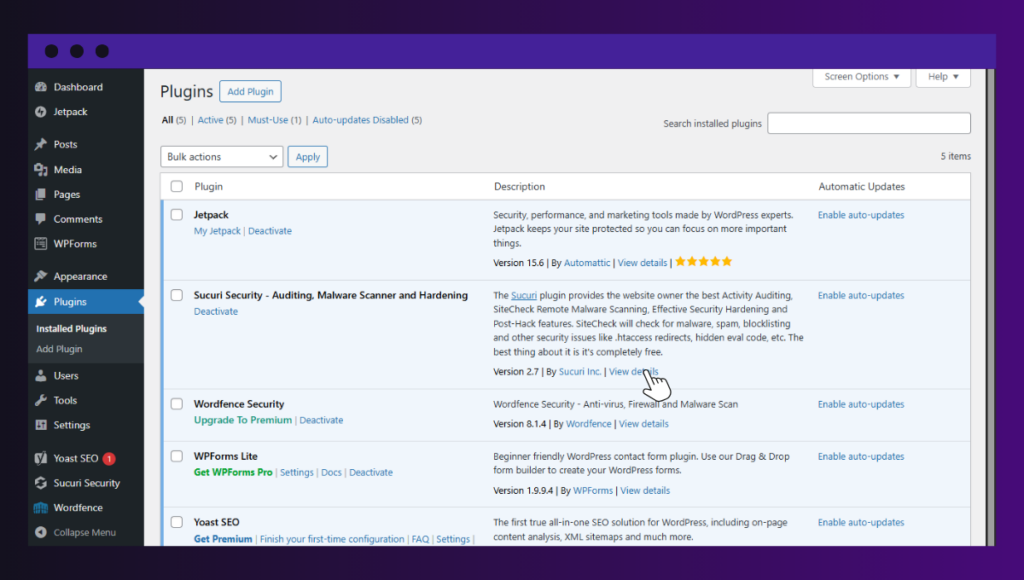
Using multiple plugins that overlap
Sometimes you may end up installing plugins whose functionalities overlap. This is quite common with security plugins, usually after a scare. If your site comes under attack, you install additional security plugins in response.
Let’s say you have Wordfence for a firewall, but you read somewhere that Sucuri has a better malware scanner. You add Sucuri without uninstalling Wordfence, not realizing that their firewalls will now clash.
This is a serious problem because:
- Security plugins are heavy and could impact site speed.
- Users have to get past two firewalls, which increases page load time.
Changing needs
As your website grows, you’ll usually need more capabilities. Let’s say you started out as a standard website, and since you’ve grown your audience, you want to start selling some merch to them.
For this reason, you’ll need several plugins to turn your site into an ecommerce store, including WooCommerce, a payment gateway plugin, and perhaps a marketing and SEO plugin.
In essence, too many plugins is a problem that you’ll need to solve as a WordPress site owner. The first step is to audit the plugins you have.
How to audit your installed plugins
To audit your installed plugins, start by listing all of them (including the ones you’ve deactivated), then evaluate them. Here is a practical checklist you can follow to evaluate your plugins.
| Check | Why it matters | Solution |
| Is this plugin actively used? | Inactive plugins still create security risks. Also, they add to the plugin count, which clutters your dashboard. | If the plugin isn’t actively used, it’s best to uninstall it rather than simply deactivate it. |
| Is it updated regularly? | Outdated plugins are a major source of vulnerabilities because these weaknesses don’t get patched. | Evaluate how well the multiple plugins that do the same job work. Then retain only the best one. |
| Does it overlap with another plugin? | Multiple plugins doing the same things increase the chances of plugin conflicts. | Evaluate how well the multiple plugins that do the same job work. Then, only retain the best one. |
| Does it affect performance significantly? | Some plugins add heavy CSS, extra HTTP requests, or inefficient database queries. | You must be able to justify why a plugin is heavy. Otherwise, substitute it for a lighter one. |
| Is it essential to your business model? | Every plugin adds long-term maintenance overhead. | Go to the WordPress plugin directory and check when the plugin was last updated. If it’s been too long, you should remove it. |
What you can take away from this is that, if you don’t use a plugin, it’s better to uninstall it rather than deactivate it. This way, you solve the problem of too many plugins by having fewer plugins on your site.
Let’s look at what having fewer plugins in your site does to its performance next.
Can fewer plugins improve site performance?
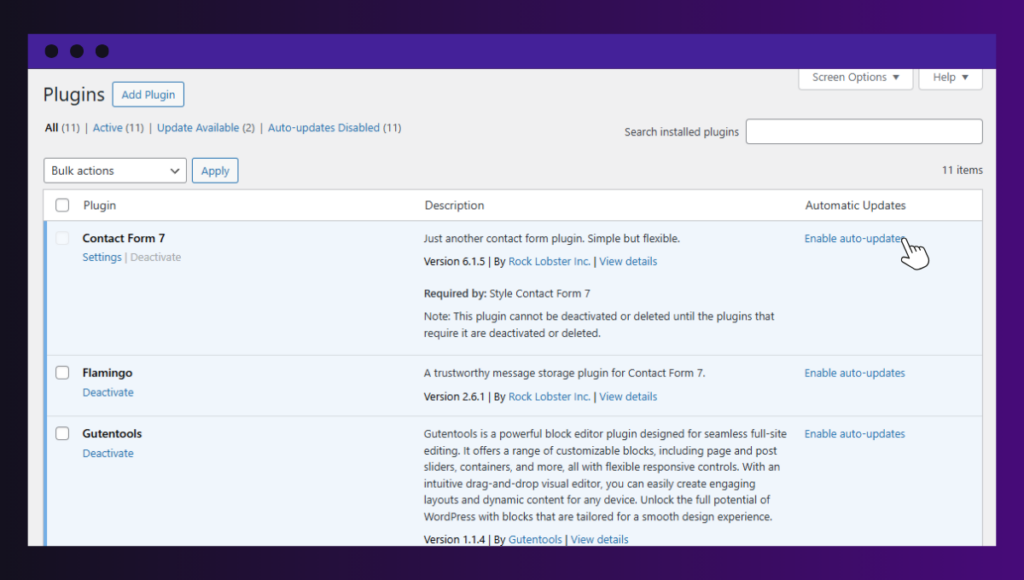
Having fewer plugins can improve site performance, but it depends on many factors. A better way to look at this is that reducing the total resource load improves performance. Usually, having fewer plugins is one way to achieve this.
When you remove unnecessary plugins, you reduce three things that could slow down your site:
- HTTP requests. Remember that plugins need these requests to load their files.
- Memory and CPU usage. Loading plugins uses up memory and processing power.
- Database queries. Plugins run database queries each time a web page loads.
Is this the case all the time? Not exactly. In some cases, reducing plugins doesn’t really improve performance.
What is the exception?
One bad plugin can be heavier than twenty good ones. In this case, removing the twenty good ones doesn’t improve performance.
For example, you could have 20 well-coded, lightweight plugins (something like an SVG enabler or a specialized code snippet) that run almost no queries. If you replace these plugins with one bloated ‘all-in-one’ plugin that runs 50+ queries, performance will likely drop.
So what does this mean? You can still have plugin bloat even with fewer plugins. Plugin bloat isn’t strictly about the number of plugins but about how much resource usage they introduce.
To summarize: Reducing the number of plugins can improve performance if doing this reduces resource usage.
How do you solve the plugin bloat and site performance problem?
First, you should ensure you have well-coded plugins from reputable developers. This matters more than the number. Secondly, your web host plays an important role. Because of this, ensure you have a quality WordPress hosting provider.
You might be tempted to add a caching plugin with a CDN. But this is only part of the solution. The best way to reduce plugin bloat and improve performance is to make your WordPress site static.
How a static WordPress site reduces plugin bloat and the problems that come with it
WordPress websites are dynamic by default. This means that each page is generated in real time when a visitor requests it.
Here’s what usually happens when a user visits a typical WordPress site:
- WordPress runs PHP code.
- It queries the database to retrieve content such as posts, pages, settings, etc.
- The theme templates determine how the content should be displayed.
- Plugins run their code.
- WordPress combines all this to generate the final page and sends it to the user’s browser.
This happens every time a page is requested. Instead, you can convert your dynamic WordPress site to a static site. This way, its files are pre-built and stored on a server. When a user clicks to view the website, the server delivers the files to their browser as they are.
Here’s how this helps reduce plugin bloat and the problems that come with it.
Fewer runtime plugins are needed
Every time a visitor loads a page, dynamic WordPress sites rely on several plugins to perform tasks such as:
- Caching.
- Performance optimization.
- Database optimization.
With a static site, pages are prebuilt and ready to be served. Many of these plugins are no longer needed for the live website.
No database queries on page load
There is no public database in a live static WordPress site. As a result, there are no database queries to run. This alone improves performance because each database query takes some time to run.
Because there are no database queries, you don’t need plugins for query optimization. This further reduces plugin bloat. On top of that, without a public database, your site’s attack surface is reduced. This reduces the need for some security plugins.
Plugins only run during site generation
With a static WordPress site, plugins still exist in the WordPress backend. But they only run when you’re editing content or generating the static version of the site. They don’t run for every visitor request, which eliminates their impact on performance.
Static websites reduce plugin bloat by eliminating the need for certain performance-optimization and security plugins. Also, they reduce the attack surface since they don’t need a database.
Here’s a comparison with dynamic websites to summarize how they do this.
| Dynamic WordPress sites | Static WordPress sites |
| Live PHP running publicly. | The public site is HTML. |
| Plugins execute on every request. | Plugins only execute during edits and site generation. |
| Higher attack surface because of the database and plugins. | Reduced need for some plugins, and no database means a reduced attack surface. |
| Ongoing update risk. | Updates happen off the public site. |
| Often needs performance optimization plugins. | Doesn’t really need performance optimization plugins. |
We know that WordPress is dynamic by default, so how do you create static WordPress sites? Using Simply Static Studio.
Why Simply Static Studio is the cleanest way to reduce plugins
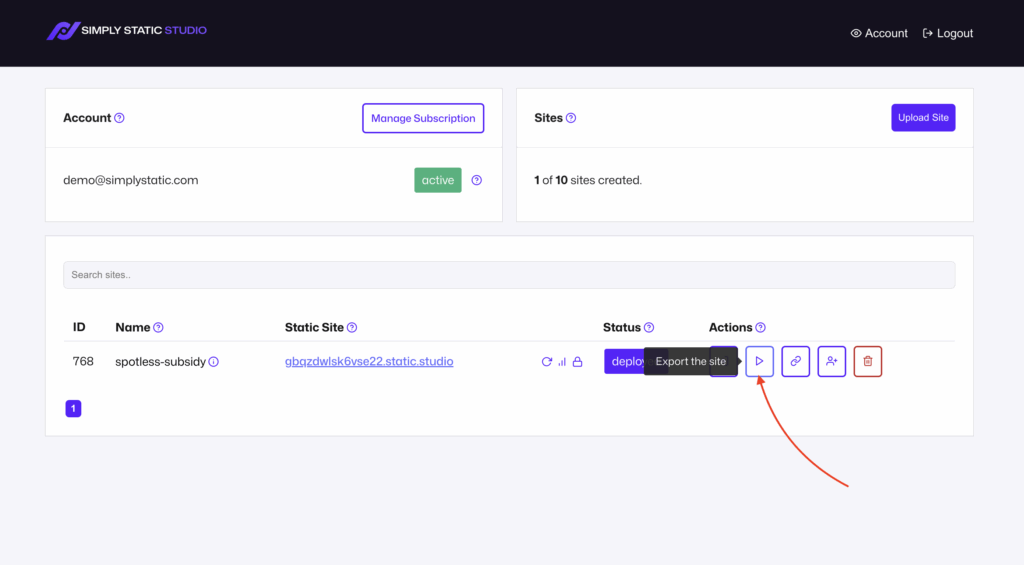
Simply Static Studio is a platform for creating and managing static WordPress sites. It combines static WordPress site generation with managed hosting.
Using this platform is the cleanest way to reduce plugin bloat in your site. Most approaches to reducing plugins ask you to either swap or consolidate:
- Replace three plugins with one better one.
- Find an ‘all-in-one’ solution.
- Or audit and trim down what you have.
Simply Static Studio takes a different approach. It removes the conditions that make most of these plugins necessary in the first place.
It converts your dynamic WordPress site to a static site
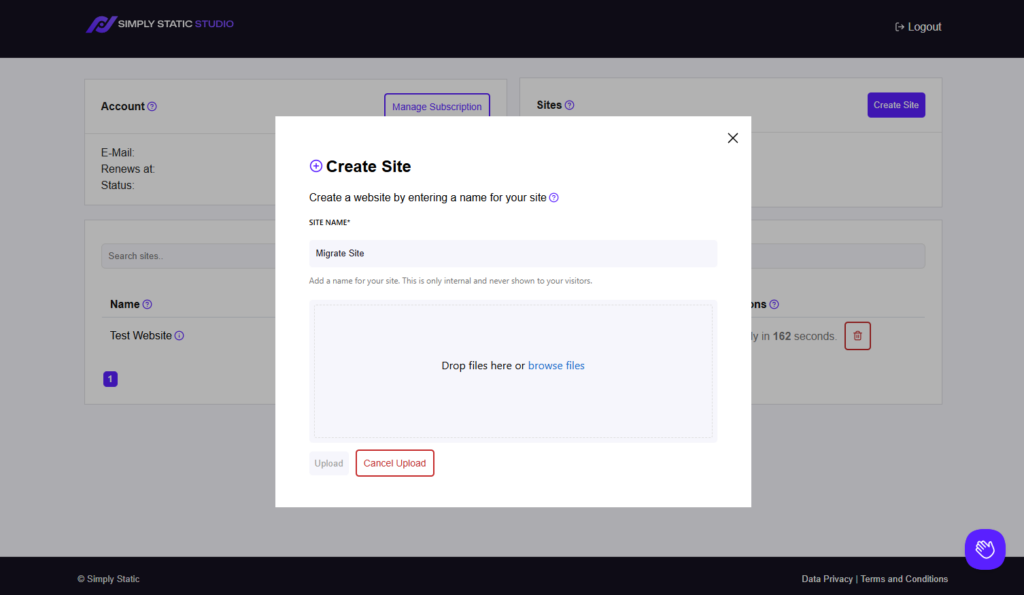
This platform comes with the Simply Static plugin installed, the best static site generator for WordPress. This plugin makes your dynamic WordPress site static. By now, we know what this means:
- No processing of server-side code.
- No database to exploit.
This means there’s less need for performance optimization and some security plugins. Simply Static Studio comes with its own global CDN, which further reduces the need for performance optimization plugins.
Zero maintenance required
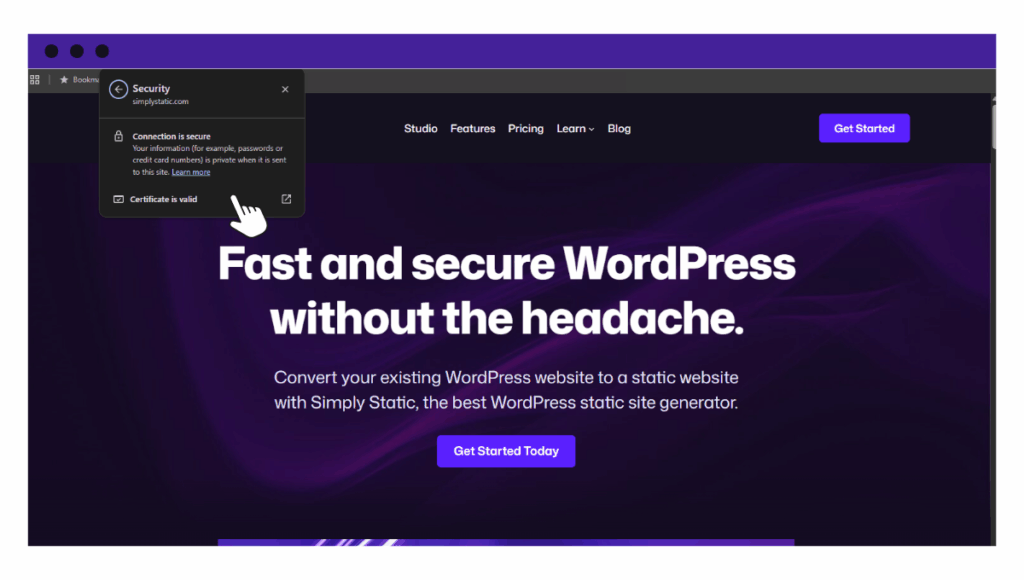
Maintenance overhead is one of the biggest challenges of having too many plugins on your site. Simply Static Studio takes all the maintenance work off your hands. Your site is hosted in a managed WordPress hosting plan, where the platform handles backups, updates, and SSL certificates for you.
Simply Static Studio separates WordPress from your live site
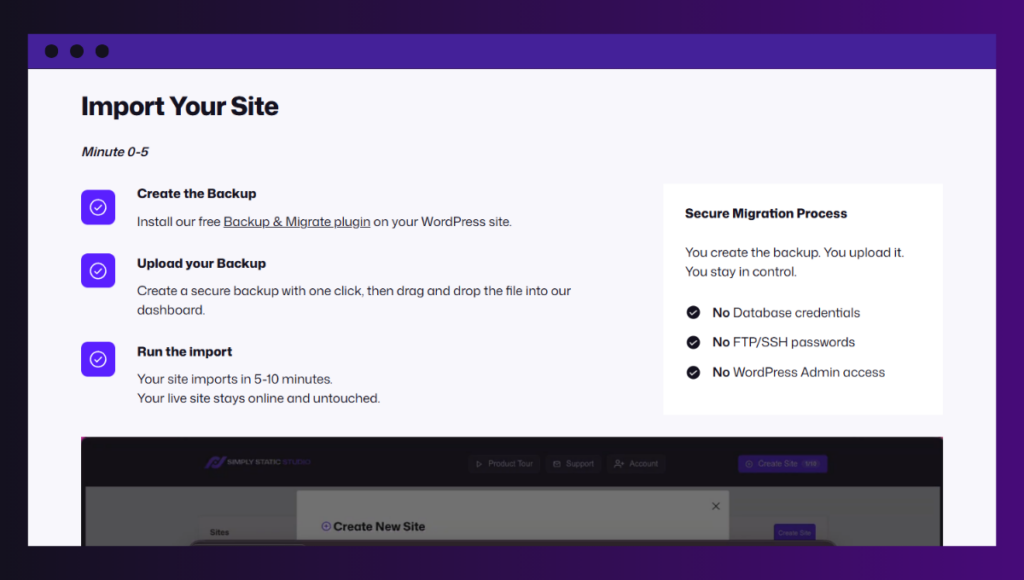
This platform separates WordPress and its plugins from the public-facing environment. This reduces security risks by hiding common attack surfaces, such as login pages, PHP execution, and plugin vulnerabilities.
Plugins no longer affect the public site, which eliminates many issues that may be caused by plugin conflicts.
Less need for performance optimization plugins
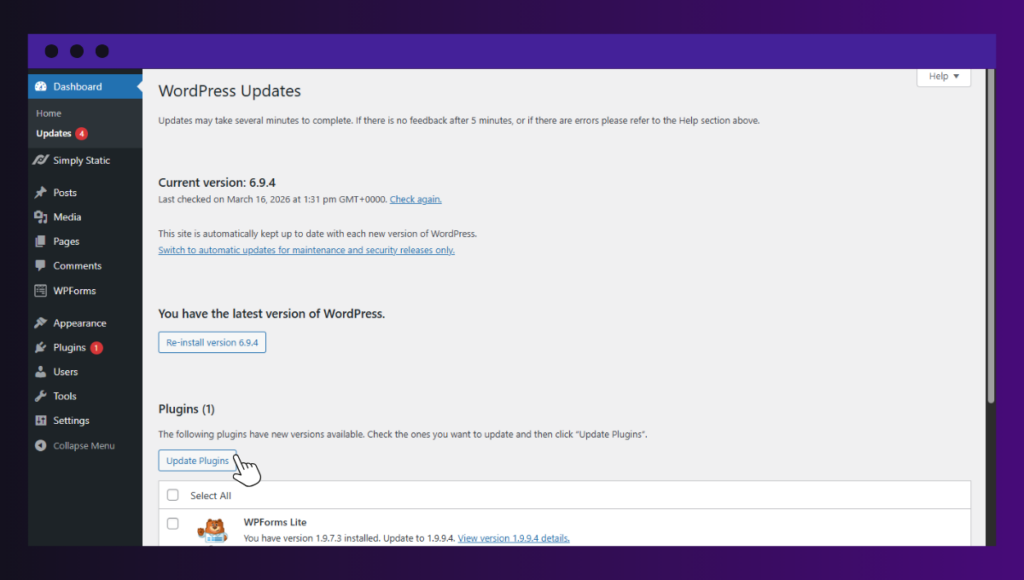
With Simply Static Studio, you get performance optimization features such as image compression, code minification, and lazy loading built in. You don’t need to add more plugins for these features.
By making your WordPress site static with Simply Static Studio, you eliminate the need for many plugins. On top of that, you get your site maintained and several other performance-optimization features.
Try static WordPress hosting free for 7 days
No credit card. No maintenance. No headaches.
FAQs about WordPress plugin limits
How many plugins are too many for WordPress?
There’s no fixed number. As long as the plugins are well-coded, necessary, and your hosting setup is powerful enough, you can run as many as you want. Problems arise when you have redundant or poorly optimized plugins, or those that are no longer maintained.
Does having too many plugins slow down a WordPress website?
Not always (but it can happen). Performance issues usually come from plugins that consume a lot of resources, and not simply from the total number installed.
Are inactive plugins dangerous?
They can be. Even when inactive, outdated plugins may still contain vulnerabilities, so it’s best to delete any plugins you’re not using.
Keep your WordPress site lean
There’s no single number of plugins that is considered ‘safe’ for your WordPress site. That said, having too many plugins isn’t ideal because it can degrade your site’s performance, reduce its security, and increase maintenance overhead.
It’s best to use only the plugins you need to keep your site lean. If you want to keep your WordPress site lean at all times, the Simply Static Studio platform is the best way to do it.
It allows you to limit the plugins you use by eliminating the need for most plugins. With Simply Static Studio, you get to keep your WordPress site lean without compromising on performance or security.
Try static WordPress hosting free for 7 days
No credit card. No maintenance. No headaches.
Table of Contents