If you’ve been asking: “Why are people moving away from WordPress?” You’re not alone. This article looks at the real reasons behind the conversation and your actual options.
There’s a growing conversation about people moving away from WordPress on platforms like Reddit, X, and other forums.
So, what’s making people want to move away from WordPress? Is leaving WordPress really the best solution for your business? To get to the bottom of this, it’s important to take a step back and look at it objectively.
We’ll answer the following questions in this article:
- What does the data show?
- What are the common pressing issues that make users want to leave?
- Where do they come from?
- Will moving to a different platform actually solve your problem?
- Is there a much simpler alternative inside WordPress worth trying first?
First, let’s understand whether people are moving away from WordPress and why.
Is WordPress losing users?
When you look at the data over the years on WordPress market share statistics provided by W3Techs, this is the trend you’ll notice:
| Year | WordPress market share (total web) | Trend |
|---|---|---|
| 2021 | 39.5% | Growth |
| 2022-2024 | 43.1% | Growth, growth, and then plateau. |
| 2025 | 43.6% | Reaches peak |
| 2026 (as of April) | 42.2% | Slight dip |
From these numbers, it’s clear that WordPress has lost some percentage points so far, but only a fraction. This could mean some users are leaving WordPress for other platforms, or that websites are shutting down.
Does this mean WordPress has lost its #1 position? No. The fact that WordPress currently powers 42.2% of all websites on the web means it’s still the most widely used CMS platform. No other CMS comes close.
WordPress is still very successful
There are plenty of reasons why WordPress succeeds as a platform. It makes it easy to build a website quickly, even with little technical knowledge. On top of that, it has a massive plugin ecosystem. As of now, there are over 63,000 plugins you can use to optimize your site in any conceivable way.
However, the small percentage drop is interesting because WordPress’s market share has consistently increased over the years.
So, what’s really happening here? Relying on market share figures alone isn’t enough. They don’t tell us much about how existing users feel about the platform. The more telling signal is user satisfaction, and there the data is more interesting.
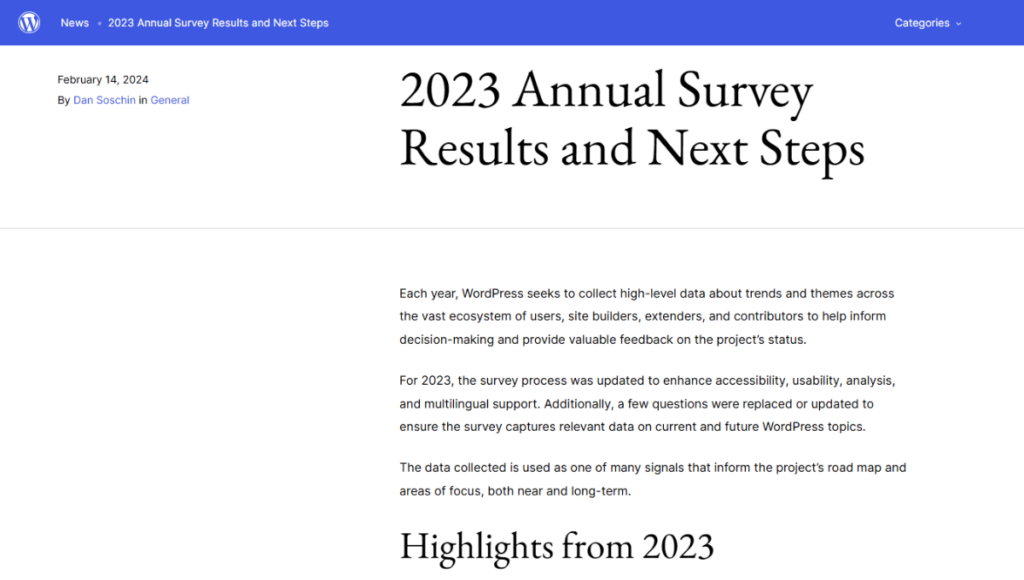
WordPress own survey reveals rising frustrations
In an annual user survey, WordPress asked users to share their thoughts on:
- The best things about the platform.
- The biggest sources of frustration.
- Areas that need more attention.
- Whether the WordPress site editor meets their needs.
- Whether it is as good as or better than other site builders or CMS platforms.
- And more.
The survey results show mixed feelings about the direction the software is going. There are clear strengths, but also a few areas where users are expressing dissatisfaction. Like ease of use, cost, and block themes. That is to be expected as long as WordPress continues to grow and add new features.
Key highlights from the survey
- 18.6% of users struggle to find the right plugins amid an overwhelming selection.
- 12.3% are tired of the frequent updates.
- 16.4% cite security and 16.2% cite slow performance as major frustrations. In fact, these are the top two areas that need the most attention.
- Another 17% find the site editing experience with the Gutenberg editor doesn’t meet their expectations.
- 6.8% say hosting is expensive.
- Another 5.7% say the backend requirement is cumbersome.
Joost de Valk, co-founder of Yoast SEO, raised this concern as early as 2022. When he pointed to the slow pace of performance improvements and the growing difficulty of using WordPress as key reasons for WordPress’s small decline.
In his article, Joost explains:
“WordPress has a performance team now, and it has made some progress. But the reality is that it hasn’t really made big strides yet…”
He then adds:
“I think WordPress, for the first time in a decade, is being out-‘innovated.’”
By ‘innovated,’ he doesn’t mean that other CMS platforms like Squarespace or Wix are really doing anything new. They’re just implementing best practices for site speed and SEO. Then, rolling them out for all their users faster than WordPress.
So what’s going on? Why are the WordPress user satisfaction signals going down?
Why are people moving away from WordPress?
We hope this section sheds light on the common reasons why some people are increasingly frustrated with WordPress.
Slow performance issues (caused by plugin bloat)
It’s very common to find questions like this on platforms like Reddit:
“Is WordPress slow… or do we just make it slow with how we build on it?”
(From a discussion under the webdev subreddit)
It’s no secret that WordPress sites can feel slow. While that’s not entirely WordPress’s fault, site owners often notice this and direct their frustration at WordPress.
This is especially true for DIYers who may not realize how much hosting quality, plugin choices, and setup affect performance. Add a page builder on top, and you’re already introducing extra load time.
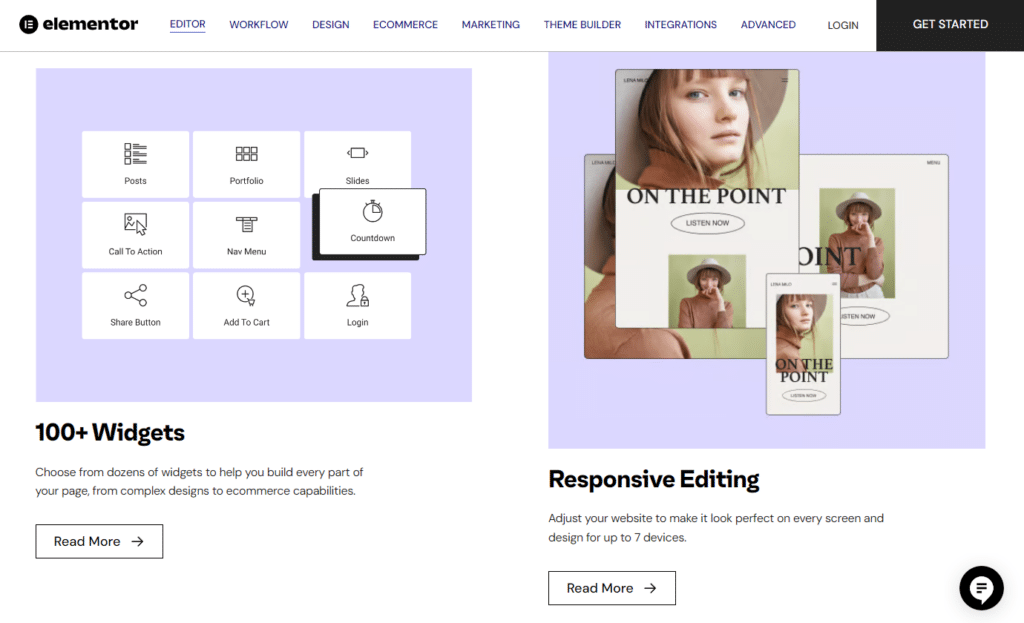
The ‘dynamic’ problem
Much of this comes down to how WordPress is built. It’s a dynamic system, meaning it doesn’t have your pages ’ready to go.’ Every time someone visits your site, WordPress has to request data from the database, run plugins, and then build the page on the spot. Each of these steps adds processing time.
That means that performance is not automatic. If caching isn’t set up, hosting is limited, or plugins aren’t optimized, the site will feel sluggish.
Now, if you’re a user who expects a site that stays fast after building it, it’s understandable why you may later want to leave. For many, the ongoing setup and maintenance required to keep your dynamic WordPress website fast may be too much work.
The bottom line, however, is that WordPress needs a lot of ‘special care’ to keep it fast and snappy.
Increasing security vulnerabilities
“My WordPress site has been hacked!”
This is another major frustration that frequently comes up, making security one of WordPress’s biggest liabilities.
Because WordPress is open source, it relies heavily on third-party plugins to help you customize your site. However, plugins are also the primary target for hackers. If you rarely stay on top of plugin updates, you’re likely exposing your site to vulnerabilities. Even one outdated WordPress plugin can be an entry point for malware or ransomware.
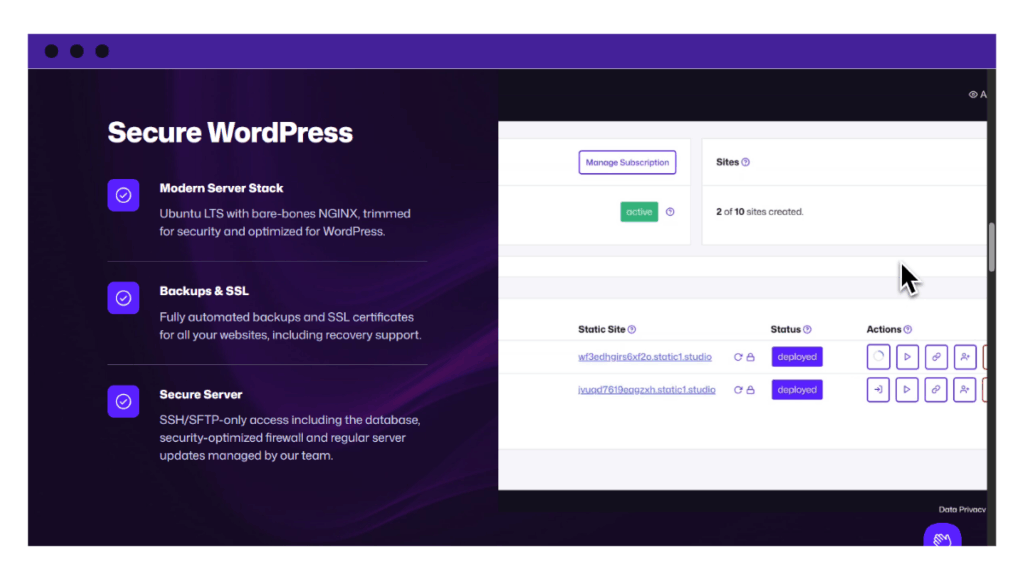
A growing target for attackers
The numbers from last year explain why this should be a security concern. According to Patchstack’s State of WordPress Security report:
- They found 11,334 new vulnerabilities last year. This is a 42% increase over the previous year.
- Sadly, plugins account for 91% of these security flaws.
- Themes account for the remaining 9%.
WordPress does its part by deleting abandoned or broken tools from its official list.
The maintenance overhead
Many users also find that maintaining a WordPress site is overwhelming. It often feels disproportionate for smaller sites.
Here’s what one disgruntled user had to say:
“Since joining, I’ve been overcoming the learning curve, but we have a lot of issues with our WP. Mainly plugins conflicting, caching problems, icons not showing up correctly, etc.”
Because of these issues, their site always displays differently every time they check it.
Another user shares a similar concern:
“Everyone told me that with WordPress, you have to do a lot of the backend stuff by yourself, and at first, I thought I was up for it. But as my business grows, I don’t want to have to focus on all that… I just want stuff to be easy and focus on selling my product the easiest way possible.”
Why it feels like too much
At its core, WordPress was built to be highly customizable. But with great flexibility comes a long list of responsibilities.
You need to regularly:
- Update themes, plugins, and the WordPress core.
- Manage backups and install security plugins.
- Monitor for compatibility issues.
- Troubleshooting errors after updates.
- Optimize performance with caching and CDNs.
This is often a dealbreaker for small business owners, bloggers, or local organizations who just want a site that works.
But to be fair, WordPress has specialized managed services that can take most of these responsibilities out of your hands, so you can focus on the business side of things like web design, content, and growth.
The Gutenberg and block editor transition
If you’ve been working with the Classic Editor or a separate page builder like Elementor, you may find the transition to Gutenberg disruptive to your workflow.
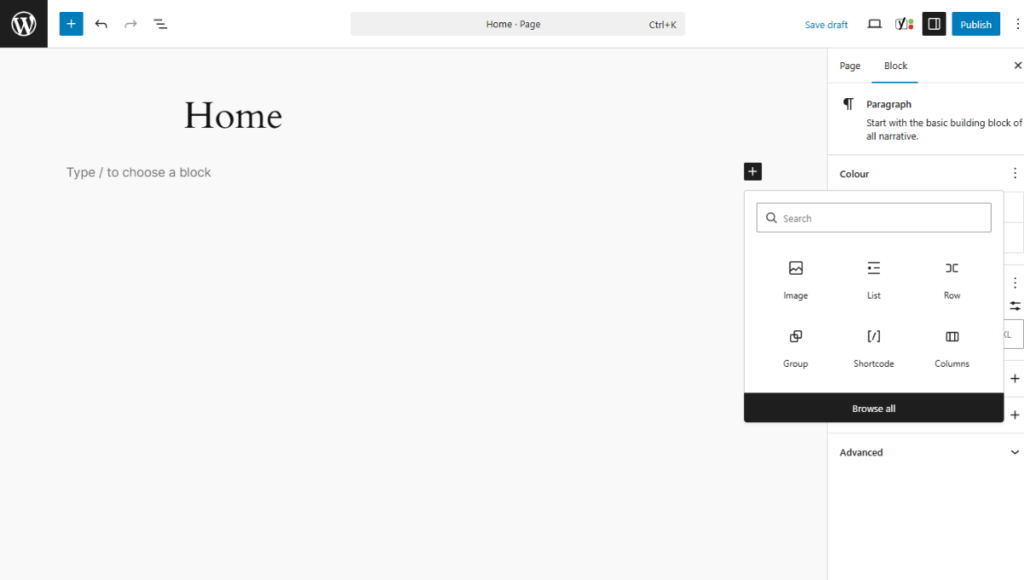
We actually like the idea of blocks. In the past, users had to rely on plugins or themes to make style changes to key parts of WordPress. The block editor offers more of a page-builder experience, letting you easily adjust how things look right inside the settings.
At least, that’s the idea in theory…
But in practice, many users find that blocks are still quite limiting. You can’t always change as much as you’d like. They’re also built on a new technology lacking backward compatibility, so many third-party plugins and themes (some of which you may rely on) can’t fully integrate with them yet. This lack of compatibility is likely why people are so slow to adopt it.
It seems many site owners simply don’t like to touch a system that’s already working. Or maybe the risk of breaking your entire website just to use a new editor isn’t worth it.
The Automattic and WP Engine dispute
The legal dispute between Automattic (the company behind WordPress.com) and WP Engine (a major hosting provider) could be another contributing reason.
This dispute started in late 2024, when Matt Mullenweg, the co-founder of WordPress, publicly criticized WP Engine. This led to lawsuits and a lot of tension in the community.
You can read more about the details of the conflict in this WP vs. WPE report.
Generally, this fight unsettled many users, developers, and agencies, who began to question their relationship with the platform. For instance, the biggest blow came when Mullenweg and WordPress.org temporarily blocked WP Engine customers from accessing the official plugin and theme directories.
Although it was eventually resolved, the move meant thousands of websites could no longer get security updates or install new features easily. For many site owners, this was a wake-up call. It showed that dispute between big companies could directly affect their own small websites.
Cost at scale
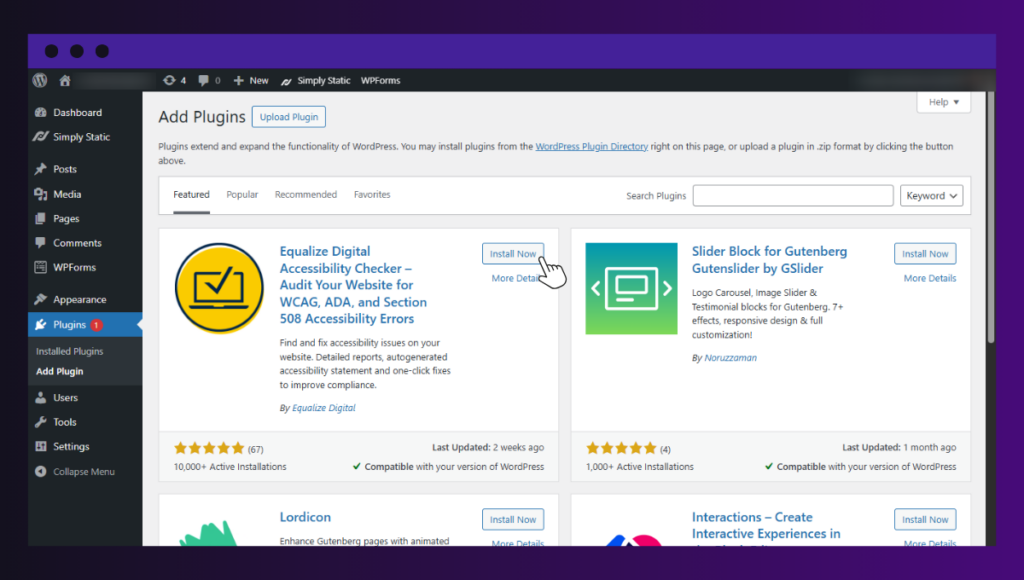
Another very common reason you’ll hear from users is the rising, hidden costs. Generally, running WordPress as you grow quickly becomes fairly expensive. It starts cheap, then you realize you need:
- Premium themes and plugin licenses.
- Security tools and backup solutions.
- Developer help when things break.
- Specialized hosting to support plugin-heavy setups.
But this is true of any other CMS platform. The difference is how these costs hit you. In the WordPress ecosystem, you often buy these solutions one by one from different companies as you need them.
The results? WordPress feels much more expensive to run than a managed platform that includes all of those features by default.
So, while these frustrations are genuine, switching to a new platform is still a major business decision. But does it actually solve anything?
Does switching platforms actually solve the problem?
Alternatives like Webflow, Squarespace, and similar tools are popular for a reason. They handle everything for you. They have built-in tools for web design (like drag-and-drop) and security. You don’t have to worry about updates or server maintenance.
For many people, that sounds like a great deal.
Here’s the catch, though:
Moving to a closed, hosted platform has its own unique set of challenges, too:
- You don’t necessarily own the system. Since the platform is closed, you don’t have full control. If the company raises prices or changes a feature you use, you have no choice but to follow along. This is called platform dependency.
- Features are limited. You can only use the tools the platform provides. You cannot add custom code or unique features as easily as you can in WordPress.
- You must pay your monthly subscription fee to keep your site online. If you stop paying, your entire website and all your hard work disappear.
- You can lose SEO rankings. Migrating a WordPress site to a new platform is a big technical change. It can cause your site to drop in Google search results, hurting your traffic for months.
So, switching doesn’t always solve the issue. It just trades technical maintenance for a lack of control, so you can start building your site right away.
Many of these tools also focus on one or two things WordPress does and improve on them. That’s why we have platforms with a specialized focus, like Shopify. These are great for specific niches like ecommerce but are not necessarily a WordPress replacement.
What if you could remove the frustrations and keep WordPress?
The ‘slow and clunky’ reputation of WordPress usually comes down to how the site is built and delivered.
All sites built in standard WordPress are traditionally dynamic, meaning every time someone visits, it has to ‘rebuild’ every page from scratch. This usually increases load time and increases the surface area for security issues.
So, if we can change the delivery method of your existing WordPress site to static delivery, you can avoid all these technical frustrations altogether.
The alternative to leaving WordPress
Here’s why making your WordPress site static is a better alternative.
As long as you use WordPress to deliver content dynamically, you’ll always keep running into the same problems with speed, security, and a growing list of maintenance tasks.
For a small business owner who wants a simple setup to run their business instead of firefighting, this may be more than they asked for.
But is the solution to look for a new platform? Not really. Switching to a static WordPress setup can remove the frustrations we’ve talked about in the previous section without forcing you to leave the WordPress ecosystem.
How static WordPress changes everything
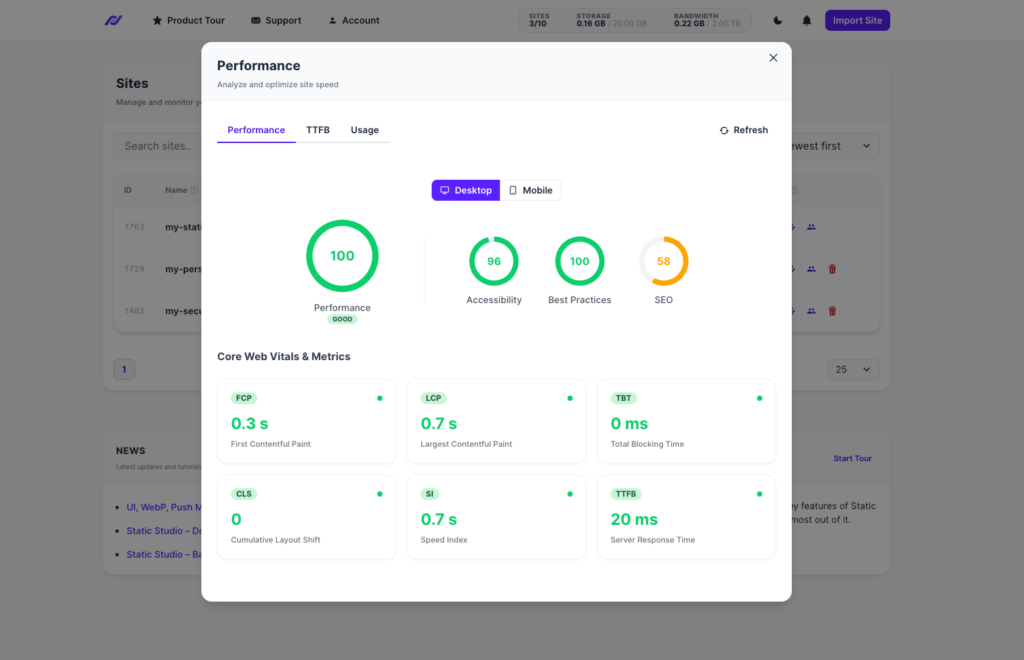
A static WordPress site is a version of your website that is deployed and delivered independently of the WordPress core software.
It doesn’t rely on a database or PHP to display your content to visitors, unlike its dynamic counterparts.
For this reason:
- Your site content is ready to go at any time.
- Your pages load almost instantly, which greatly improves performance.
- Security risks are much lower because there’s no live database or login system exposed.
- The site requires very little maintenance because you don’t need as many plugins to keep it running.
- Hosting costs can be lower because static files are much cheaper to host, even if your site gets a lot of traffic.
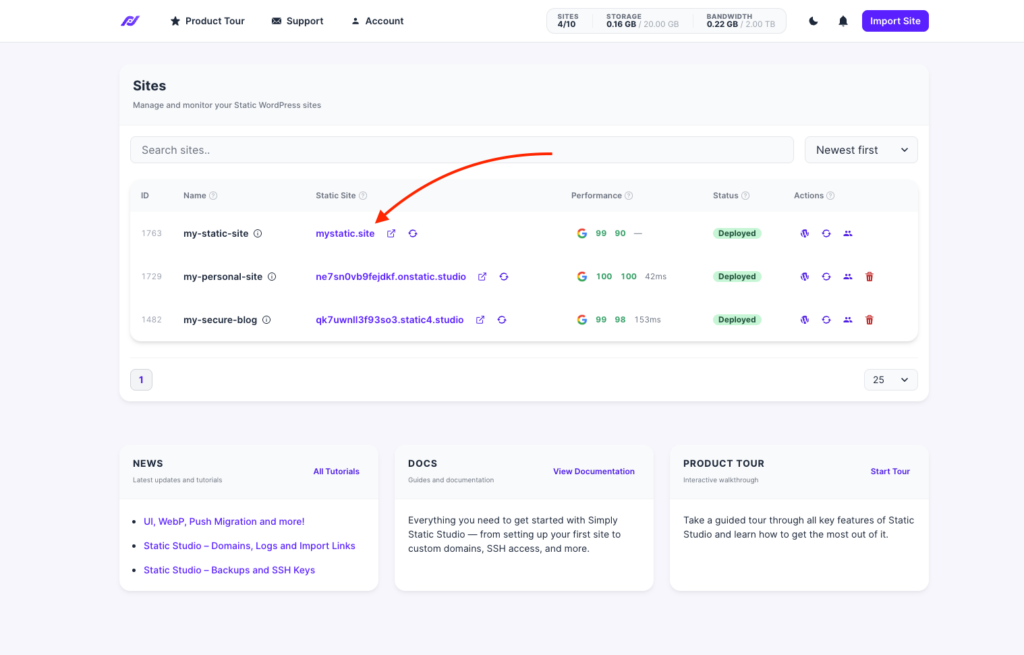
The best part is that you don’t need to learn a new system. Site owners can still use WordPress to manage content privately, but without the same performance, maintenance, and security overhead that usually comes with it. The only difference is that your content is now deployed to the public web as static HTML files.
If interested, you’ll need the static WordPress platform, Simply Static Studio, to help. It lets you eliminate technical WordPress frustrations without ever leaving the platform.
How does Simply Static Studio help reduce WordPress frustrations?
Simply Static Studio is an all-in-one platform that lets you manage WordPress sites and showcase their static versions on the web.
Because you’re working in a safe and private environment, you no longer have to battle constant security risks or optimize your site for performance. Site maintenance is also greatly reduced.
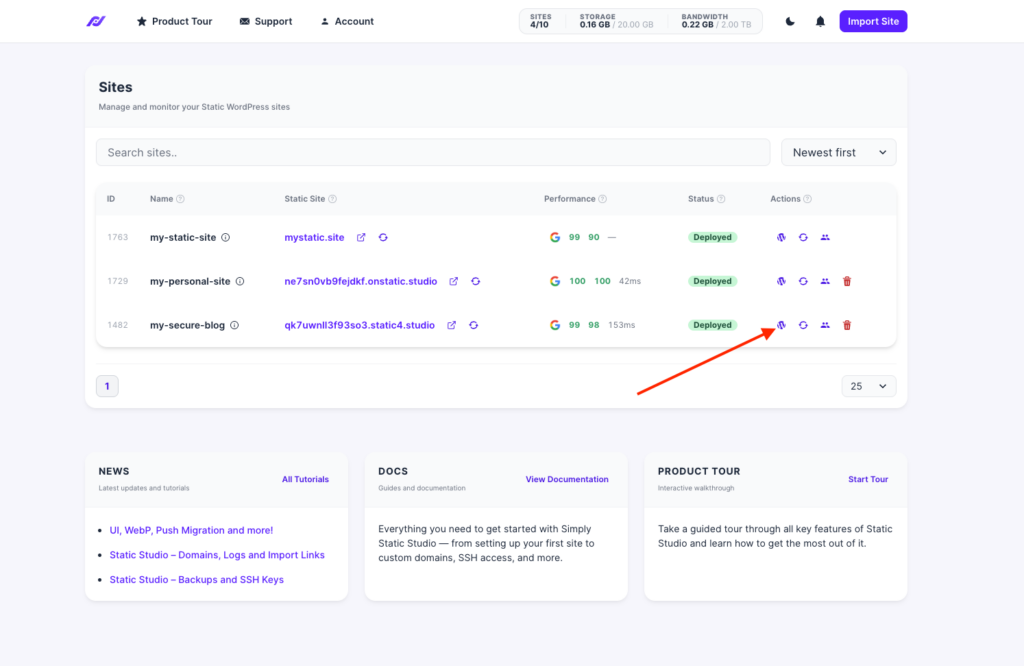
Static Studio reduces frustrations by:
- Offering a clean, intuitive interface. It provides a user-friendly dashboard to manage static WordPress sites.
- Keeping WordPress private. All WordPress components, including your dashboard and the login page, are kept hidden. Only you and the team members you invite have full access via a ‘passwordless’ login.
- Handling all the technical work for you. It automatically converts created or migrated sites to their static version. It handles updates, backups, SSL renewal, performance optimization, and more automatically.
- Reducing the need for more plugins. Because static sites are highly secure and performant, you don’t need more security or performance plugins.
- Offering reliable static hosting and global content delivery. You simply connect to your custom domain and are ready to go.
FAQs about moving away from WordPress
Why are people moving away from WordPress?
The main reason people are leaving WordPress is that they feel overwhelmed. They’re overwhelmed by frequent plugin updates, security risks, and lagging performance in WordPress. There are other reasons, such as the site-editing experience in the Gutenberg editor, ease of use, and hosting costs.
What are the main alternatives to WordPress?
The most common WordPress alternatives are hosted platforms like Webflow, Squarespace, and Wix. They handle the technical backend for you. Those who prefer specialized platforms move to Shopify for ecommerce while developers might choose modern headless CMS frameworks like Astro, Next.js, or make their existing WordPress site static, with Simply Static Studio.
Will moving away from WordPress affect my SEO?
It is a risk. If you don’t map your old URLs to your new ones (via 301 redirects), you can lose years of Google rankings overnight via backlink and content loss.
Why do users feel overwhelmed maintaining a WordPress site?
WordPress is a dynamic system that requires regular upkeep to stay secure and functional. For some, staying on top of security patches, performance optimization, and other routine maintenance tasks is overwhelming in itself.
Is there a way to fix WordPress problems without leaving WordPress?
Absolutely. The best solution is moving to a static WordPress setup. Platforms like Simply Static Studio let you use WordPress to manage content, but without the same performance, maintenance, and security overhead that usually come with dynamic WordPress.
Before you leave WordPress, try this
WordPress is a highly customizable and flexible platform. It’s why so many people, including WordPress developers, love using it.
But we can’t ignore that this flexibility comes with a cost. Many users are increasingly getting tired of slow speeds, security scares, and the endless need for updates.
The good news is that you can easily eliminate these problems by turning WordPress into a static site. Static sites are naturally faster and more secure, and they require almost no maintenance.
So, before you leave WordPress for good, try converting your site into a static version using Simply Static Studio. It lets you enjoy a fast, secure website without ever leaving WordPress.
Table of Contents