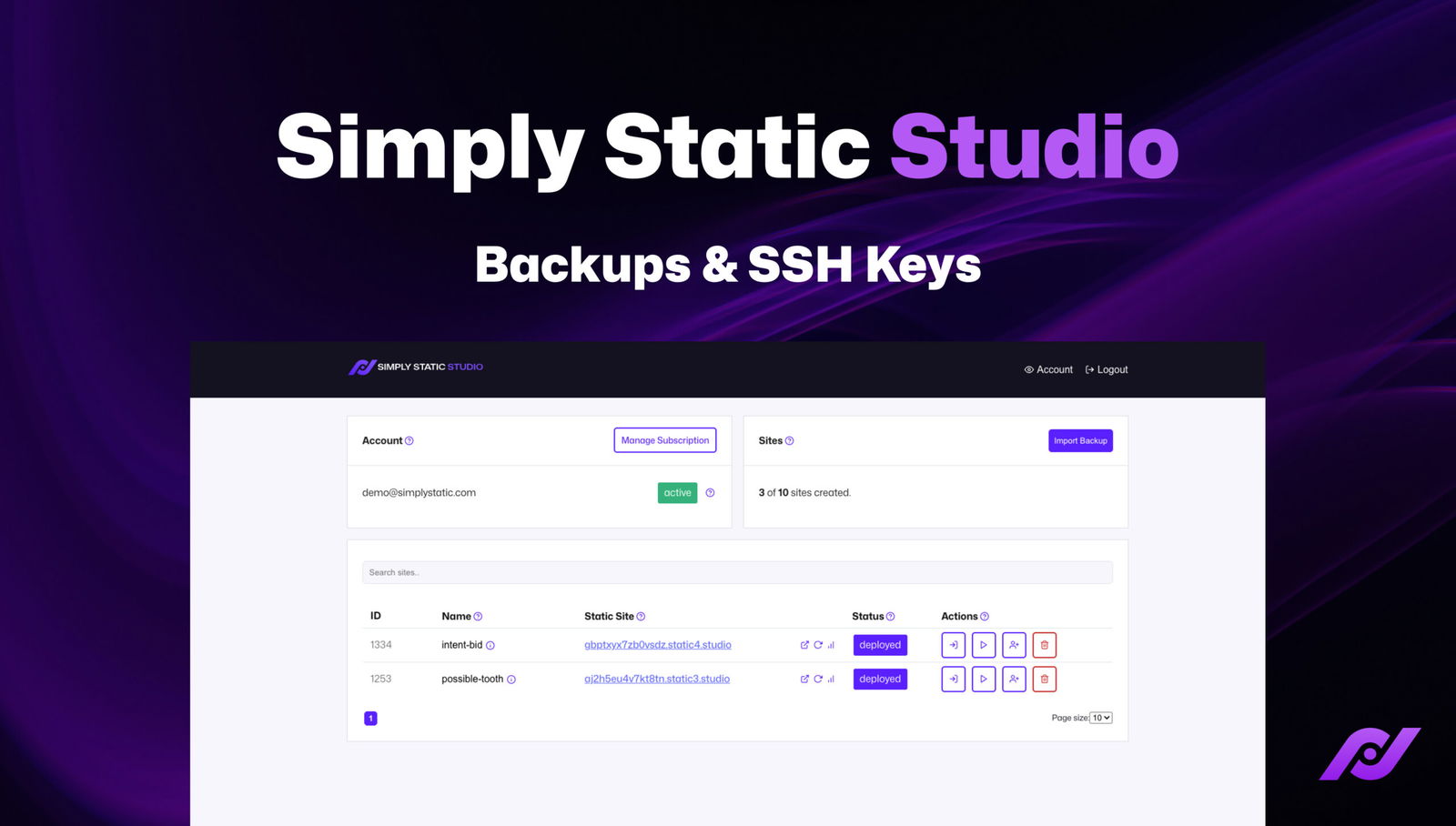
Welcome to another update for Static Studio. I’m proud to announce that we finally shipped backup and SSHSecure Shell. A method for securely connecting to a remote computer. Key management onto the platform.
Backups
As you might know, we already managed backups from day one, but until now, it wasn’t really possible for you to see or interact with those backups – it was all managed by us. This has changed now:
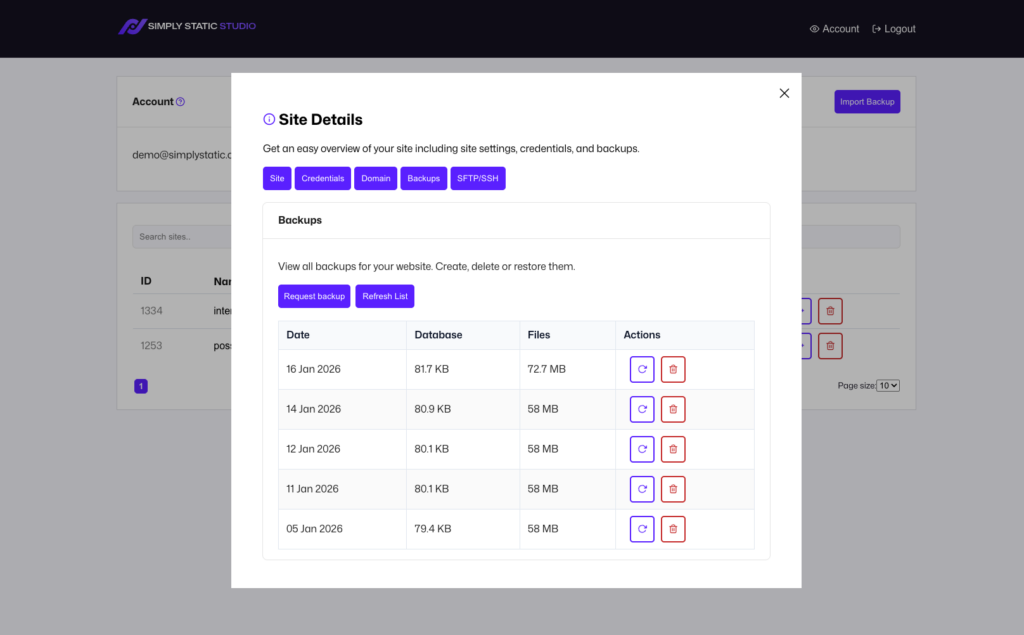
You now get direct access to your backups, including:
- creating backups
- restoring backups
- deleting backups
Given the scope of the feature, I created a dedicated video for you where I explain all the details:
SSH Keys
Another big milestone was the ability to manage SSH Keys all by yourself – add keys, grant access to sites, and more.
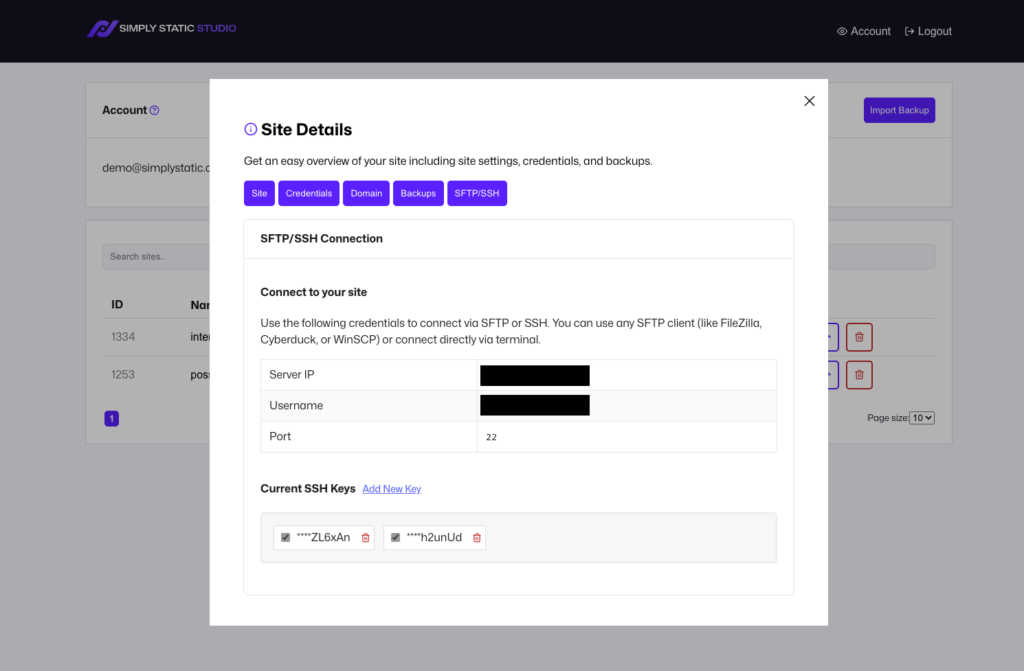
Similar to our backups – this feature involves a lot of little details, and that’s why I recorded a detailed step-by-step video for you:
Bonus: New Backup & Migration Plugin
We got lots of feedback on our migration pluginA piece of software that adds specific features to WordPress., and I’m happy to tell you we’ve now incorporated all of it and fully refreshed the UIUser Interface. Part of a software application that users interact with, such as buttons, menus, and forms. to make it easier than ever to migrate your WordPress websites to Static Studio.
I made a video showing you all the features and explaining the new workflowIn a software development context, a workflow is a set of processes and tools for automating the deployment and operatio…:
Docs & Changelog
We updated our entire Static Studio documentation alongside this release.
Besides those big features, there have been several small under-the-hood changes, like:
- Resend the invite e-mail for invited users
- Improved SSLSecure Sockets Layer. A technology that encrypts the data transferred between a user and a website. and domain handling UI
- Moved parts of the UI into the new site details tab area
- Streamlined the Import Backup flow (including increasing the upload limit to 10 GB)
- Easier password reset and recovery
- Performance improvements related to pagination and search
What’s next?
As we started off this year with a big release, we will spend some time fine-tuning and dialing in the entire experience, but we already set the stage for the next big thing: our new dashboard UI.
It will be more modern, faster, easier to navigate, and an overall fantastic experience, but it’s not just about the design – it’s about making it more extensible for features we want to add as we are slowly reaching the limit of what our current dashboard can provide.
Alongside the new dashboard, we will also add some new features, such as:
- grouping/tagging of sites
- better analytics (including charts) for your sites
- a notification center – so you get direct insights into the current status of the platform (downtime, external APIs, scheduled maintenance, etc)
- static site analytics (still in consideration!)
This year, we will be putting even more focus into our static WordPress hosting platform to make it the best solution for this particular use case – stay tuned for more!
Try static WordPress hosting free for 7 days
No credit card. No maintenance. No headaches.
Table of Contents