Looking for the most secure WordPress hosting for your website? You’re in the right place.
A secure WordPress site starts with the host. Every day, thousands of WordPress sites are compromised. A secure hosting provider can make the difference between your site being constantly under threat and deflecting them even before you notice.
Is picking the most secure WordPress hosting easy? Not at all. The numerous options available make your choice all the more difficult.
So, we’ve compared 7 secure WordPress hosting providers to make your choice easier.
In this guide, we’ll walk you through:
- What to look for in the most secure WordPress hosting provider.
- 7 secure WordPress hosting providers compared in detail.
To start us off, here is a snapshot of our top picks.
The most secure WordPress hosting provider for 2025 is:
- Best all-round option for speed and security – Simply Static Studio.
- Best for high-performance, if you’re ready to invest – Kinsta.
- Best option if you’re on a budget – Hostinger.
This guide was last updated for 2025 and includes actively maintained, compatible hosting providers for modern WordPress sites.
What to look for in the most secure WordPress hosting service
Most WordPress hosting companies claim their plans are secure, but in reality, the word ‘secure’ is used loosely. Some hosts will only include basic SSL certificates and call that security. Fortunately, others genuinely offer deep, layered security features that genuinely secure WordPress sites.
So, how do you distinguish between the two? Knowing what to look for really pays off. With that in mind, here’s what to look for in secure WordPress hosting providers.
| Most secure wordpress hosting features to look for | Why it matters |
| Firewall(Web Application Firewall – WAF) | A firewall filters all traffic before it reaches your site. It blocks malicious requests automatically, for example, an attacker attempting to inject XSS code. This is your site’s first line of defense, preventing most hacking attempts before they reach your site. |
| Malware scanning | Malware scanners will regularly check your site’s files for malicious code or backdoors that attackers might plant for later use. They allow you to detect infections and remove them early, before they can be exploited. |
| Automatic backups | This saves a copy of your website, usually every day (daily backups). Suppose your site gets hacked or data is lost, you can restore it to the backed-up version. Note: The best WordPress hosting providers allow you to do this in a single click. |
| SSL certificate | SSL encrypts data between your website and your site visitors’ browsers. It protects site visitors’ sensitive information like passwords and payment data. An SSL certificate displays as a padlock in users’ browsers. When they see it, they’ll likely trust your site with sensitive information. |
| Secure connections (SFTP/SSH) | SFTP/SSH is a protocol that provides a secure connection when you upload or edit your WordPress site’s files (i.e., when communicating directly with the web server). It encrypts the connection between your computer and the web server, ensuring hackers can’t steal your credentials. |
| Automatic updates | Theme, plugin, and WordPress core updates come with patches that fix known vulnerabilities. They should be automatic to prevent you from falling behind on your updates. This is extremely important since outdated themes and plugins are the number 1 cause of WordPress attacks. |
| DDoS protection | DDoS protection features ensure that your site won’t go offline when attackers flood it with malicious traffic. The web host should have a suite of features, such as load balancing, that prevent this from happening. |
| Content Delivery Network (CDN) | A CDN also helps with DDoS mitigation by absorbing malicious traffic. But its main purpose is to ensure anyone visiting your website from anywhere will experience fast loading times. |
Bonus: What should you consider when picking a secure WordPress hosting solution?
Apart from these security-specific features, there are others you should also consider when picking a host for your WordPress site. For example:
Does the host offer managed WordPress hosting?
Managed WordPress hosting is a type of hosting built specifically for WordPress sites. The host handles WordPress installation, backups, updates, security, and performance optimization for you. This leaves you to focus on content.
Do they offer customer support 24/7?
You may encounter security incidents for which you need the hosting company’s help to recover. If their support team is always available, you know that they’ll be there to help when you need it.
Key takeaway: The ideal secure WordPress hosting plan should include most, if not all, of the security features we’ve covered above. Cyber threats can come from anywhere on your site, from the network, the WordPress core, themes, and plugins, to the server. It wouldn’t be great if your web host only offers half or even less than half of these.
But if your host offers most or all of the above, you can rest easy knowing that you’re not leaving any areas exposed.
So, that’s what to look for in the most secure WordPress hosting. Now, here are 7 secure WordPress hosting providers and how they compare against each other.
7 secure WordPress hosting providers (in detail)
The following are some of the most secure WordPress hosting providers today. We’ll compare them in detail, looking at their key features, who they’re for, and what makes them stand out.
Most secure WordPress hosting 1: Simply Static Studio
Best: All-round option for speed and security.
Price: Starts at $19/month.
Simply Static Studio lets you create, manage, and host static WordPress websites in a single platform. It is ‘all-in-one’ because it combines performance optimization, maintenance, and (most importantly) security. No bulky third-party security and performance plugins are needed.
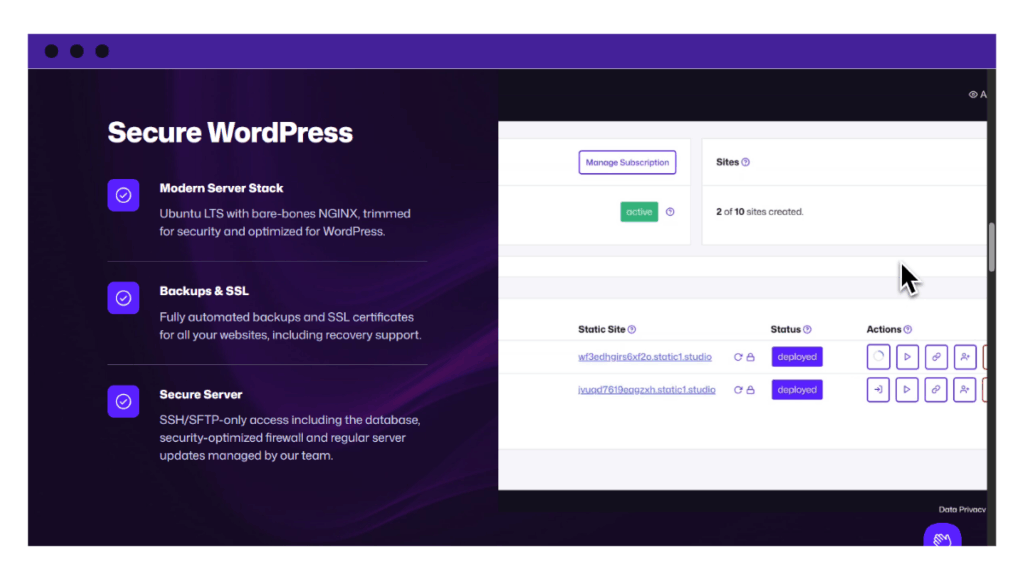
Simply Static Studio commits to putting security first. From must-have features such as a free SSL certificate, automatic backups, and a firewall to advanced security features like secure servers, thanks to SSH/SFTP-only access. So your entire WordPress website will be protected.
The best part? The platform handles all the technical stuff of securing your site behind the scenes. You don’t have to deal with manual updates, monitoring, configuring firewalls, servers, etc. Simply Static Studio will do it for you.
You’ll end up with a fast, well-maintained, and secured static WordPress site, without the hassle of doing so.
Why we love it
- Enjoy the security benefits of a static site
Static Studio enables you to create or migrate a static WordPress site to the platform. With static sites, there is no database or server-side processing, meaning your site won’t be vulnerable to backend-targeting attacks. - Your static site is fully separated from WordPress
WordPress’ vulnerabilities keep rising each year. Patchstack reported that they increased by 34% last year, and this number is expected to go up in 2025. Simply Static Studio separates your static site from WordPress so that you don’t have to deal with these vulnerabilities. - Secured servers
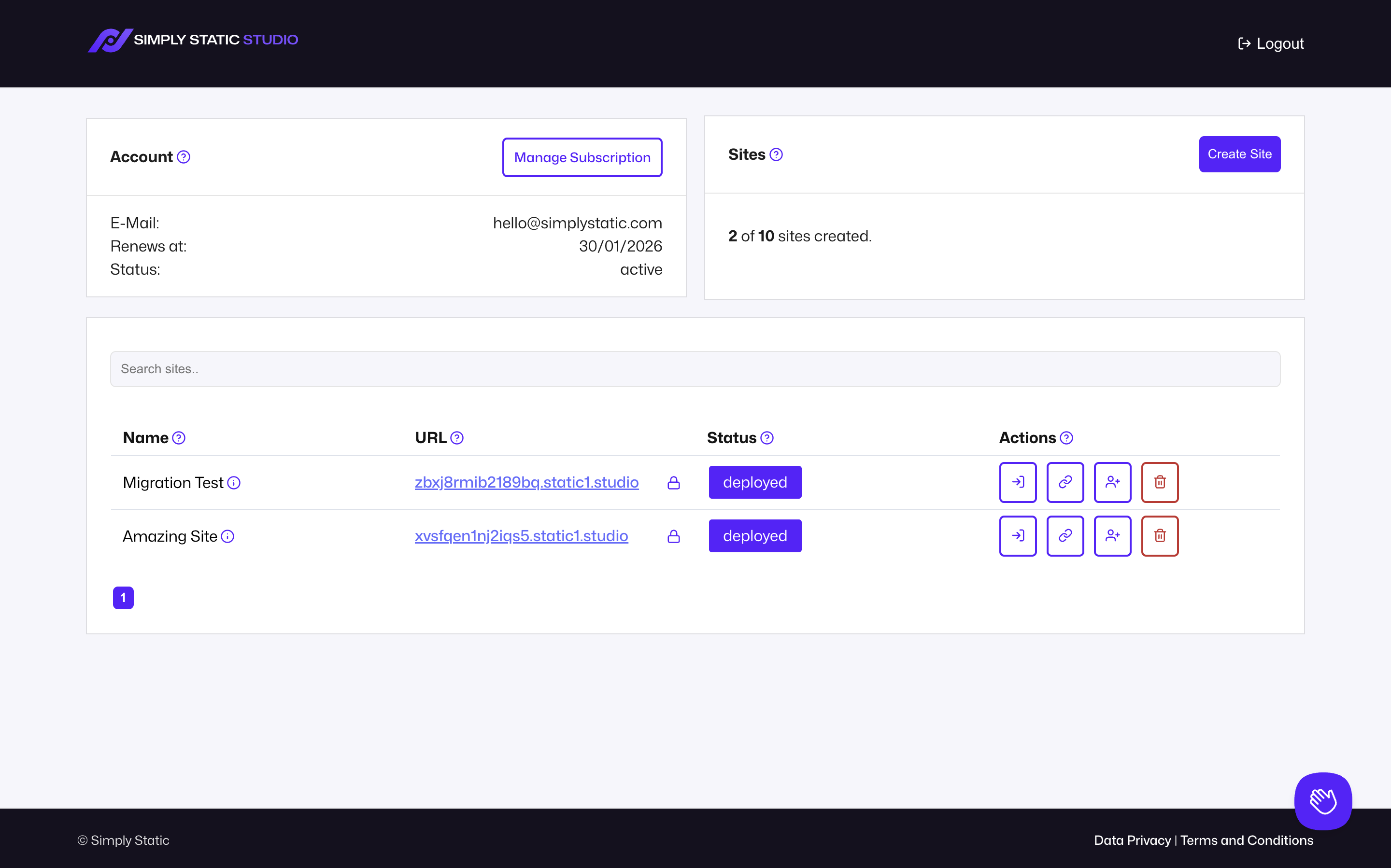
You can only access and interact with servers via SSH/SFTP, a secure access protocol. Also, Simply Static Studio regularly updates servers, patching any new vulnerabilities. - A user-friendly dashboard
It comes with a user-friendly dashboard for creating and managing your static WordPress sites. You can add or remove team members to this dashboard and grant them user roles to collaborate on different projects. - Secure, one-click login to your WordPress site
Remember, WordPress is completely locked down and only accessible inside the platform. Simply Static Studio creates a secure link for you to access your site’s WordPress backend in just a click.
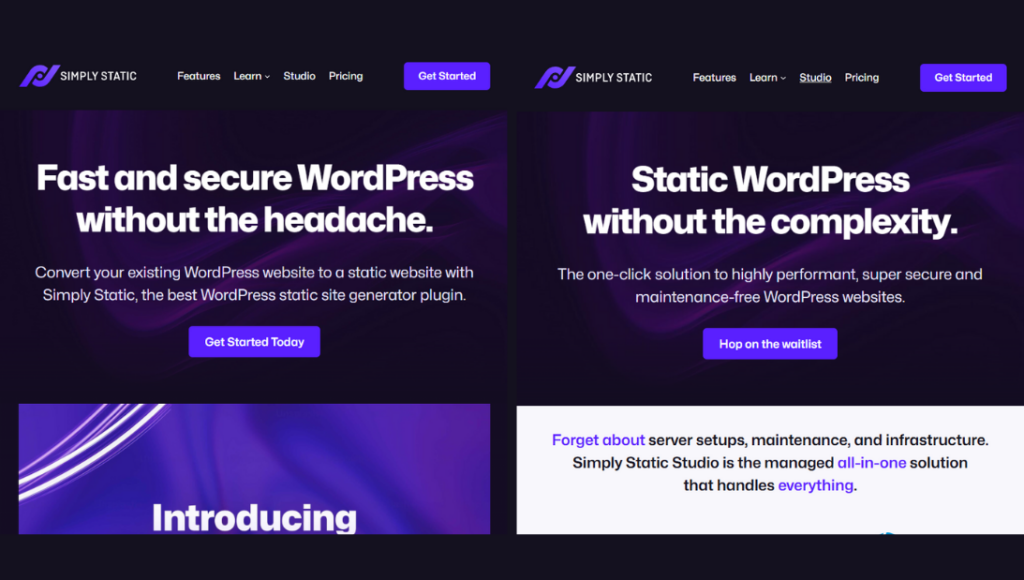
Take note: Simply Static Studio is built specifically for hosting static WordPress sites. However, your site won’t be just ‘static’; you can add dynamic features like search and forms too.
Bottom line: Simply Static Studio offers a powerful hosting solution, purpose-built for static WordPress sites. You’ll get the security benefits of a static website and separation from WordPress, plus a fast, well-maintained website.
Try static WordPress hosting free for 7 days
No credit card. No maintenance. No headaches.
Secure WordPress hosting provider 2: WP Engine
Best for: Agencies managing multiple client sites.
Price: Starts at $50/month billed annually.
WP Engine focuses on providing security in multiple layers in its managed WordPress hosting plans. It allows you to implement several security layers, including a web application firewall (WAF), DDoS protection (powered by Cloudflare), advanced encryption, etc.
Because it’s managed, WP Engine handles backups and automatic updates (especially for plugins) for you, leaving you to focus on content. Site owners or agencies who want dynamic WordPress sites with full functionality, for instance, ecommerce and membership sites, will find it useful.
Why we like it
- Continuous threat monitoring
WP Engine deploys systems to monitor your WordPress site for threats in real time. If any suspicious activity is detected, the system, together with WP Engine’s team of experts, will mount a response. - Secured development environment
WP Engine tries to match your staging environment’s security to that of a production environment. As a result, security issues don’t reach production. - Site migration plugin
If you’ve hosted your site elsewhere, but you want to move to the platform, you can do so with the help of its free automated migration plugin. It works quickly, and in a few minutes, your site should be ready to go live.
Keep in mind: WP Engine is a strong option for hosting WordPress sites securely. But the public site is a dynamic WordPress, meaning you still have to deal with database and server-side vulnerabilities. This is something you don’t have to do with a static site.
To summarize: WP Engine offers secure managed WordPress hosting plans for agencies managing multiple client websites. It allows you to implement multi-layered security where different security controls become failsafes for each other.
WordPress hosting provider 3: Hostinger
Best: Budget-friendly option.
Price: Starts at $2.49 with 3 months free. Hostinger offers a 30-day money-back guarantee.
Hostinger’s WordPress hosting is a good option if you’re looking for a simple, budget-friendly hosting solution for your WordPress site. It has security and performance features to get your simple blog, portfolio, or online shop up and running.
Hostinger integrates AI into its services, such that a WordPress hosting plan comes with an AI:
- Website builder.
- An agent that allows you to manage your WordPress site via chat.
- Website troubleshooter and optimizer.
Why we like it
- Managed security services
Including automatic malware removal and backups, DDoS mitigation, and a WAF. Hostinger manages all this in the background. - Good performance features
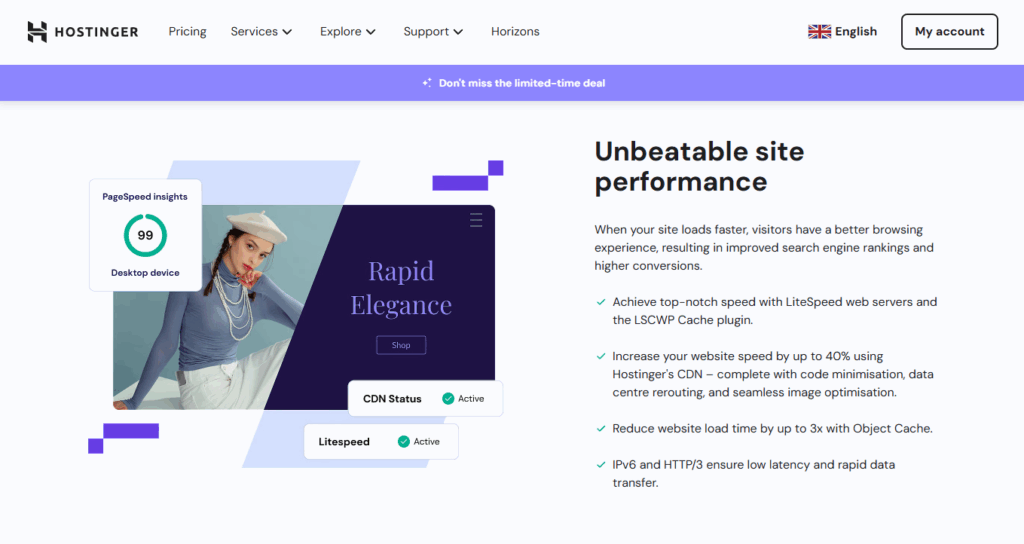
It uses LiteSpeed servers, which have a reputation for lightning-fast load times for web pages. This means no downtime and lost site visitors, and a better SEO ranking. - WordPress developer tools access
You get the complete WordPress development toolkit, including WP-CLI, SSH access, and Git integration.
Also, you’ll get a free domain, which is a nice feature when you’re on a budget.
Take note: Although it has some security features, they’re fairly simple. It lacks the advanced features needed to truly keep your site secured.
In short: Hostinger offers budget-friendly WordPress hosting plans for smaller websites. It tries to balance security and performance without exclusively focusing on one or the other.
Secure hosting provider 4: Cloudways
Best for: Developers who want to choose where to host.
Price: Starts at $14 – $38.56/month, depending on the cloud provider you choose.
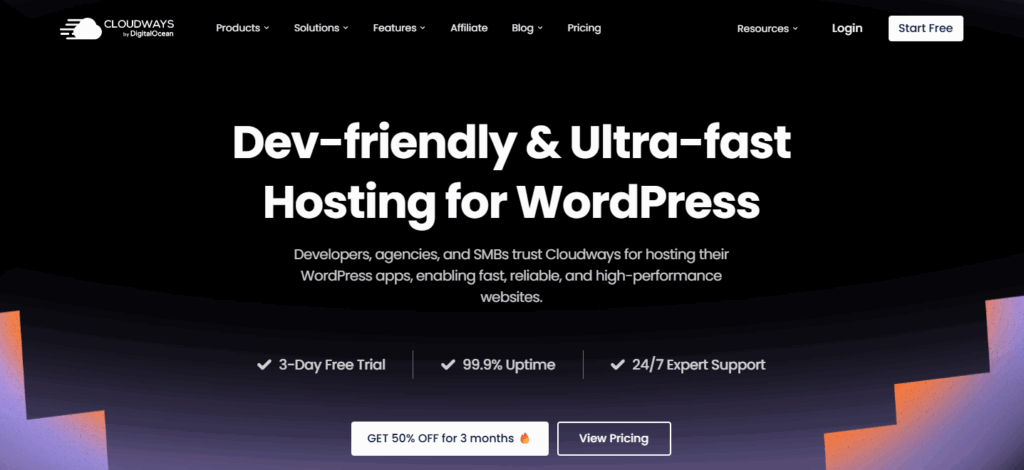
Cloudways offers cloud hosting solutions from different cloud service providers, including Google Cloud, AWS, Vultr, and Linode. Its approach to WordPress security is slightly different.
How? Cloudways uses integrations from dedicated security providers to secure your WordPress site. This includes:
- A Cloudflare Enterprise add-on for DDoS mitigation.
- Malcare for bot protection.
Still, you’ll get other security features like automated backups, two-factor authentication, and patching from Cloudways itself.
Why we like it
- Choose where your site will be hosted
Cloudways is powered by DigitalOcean, but it doesn’t limit you to DigitalOcean’s servers. You can choose another cloud hosting provider while using the Cloudways WordPress hosting plans. - Secure SFTP/SSH connections
Although you use servers from different providers, Cloudways offers secure connections to access your WordPress backend with SFTP. - Includes high-performance tools
Such as caching layers and SSD storage, which improve your WordPress site’s performance.
Take note: Because you’re choosing cloud providers and resources, pricing will vary. The most popular providers (i.e., Google Cloud and AWS) will always charge a premium.
Bottom line: With Cloudways, you get cloud hosting for your WordPress site from different cloud providers. It protects your site using integrations from dedicated security providers like Malcare.
Most secure hosting provider 5: SiteGround
Best for: Small-to-medium-sized businesses and blogs.
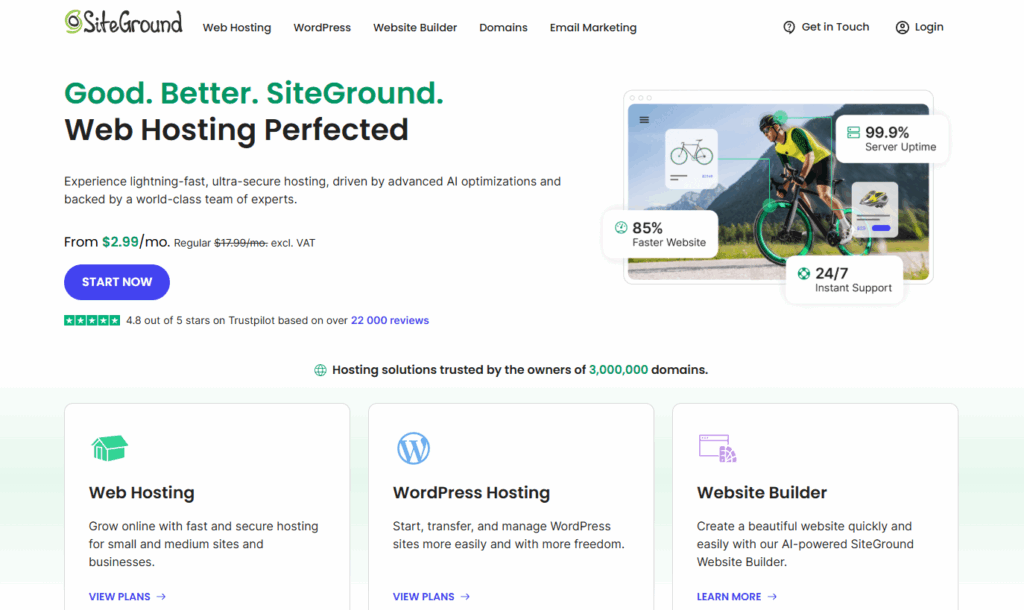
Price: Starts at 3.99/month but renews at 17.99/month (excluding VAT).
SiteGround provides various web hosting solutions. Whether you want basic web hosting, premium hosting for agencies, or managed hosting for your WordPress site, you’ll find it useful.
SiteGround’s managed WordPress hosting plans approach security in two ways:
- Basic security features like automated updates, a free CDN, data protection, etc.
- Additional features in its Security Optimizer plugin.
Why we like it
- Added security with its plugin
It includes the Security Optimizer plugin, which adds extra security features like advanced XSS protection, limiting login attempts, hiding your WordPress version from attackers, etc. - Ease of use
You can use the auto-installer to set up your site in a single click or migrate an existing site automatically. Also, you can customize your site with curated themes. - Spam protection
It has Spam protection built in, which helps to block unsolicited emails that could contain malicious links.
Keep in mind: Without the security plugin, what SiteGround’s WordPress hosting offers leaves a lot to be desired. So if you don’t want an extra plugin in your WordPress site, this is probably not the plugin for you.
Quick recap: SiteGround’s managed WordPress hosting contains some basic security protection features, which can be enhanced with its own plugin.
WordPress hosting provider 6: Kinsta
Best for: Premium, high-performance hosting solutions.
Price: Starts at $35/month. The first two months are free
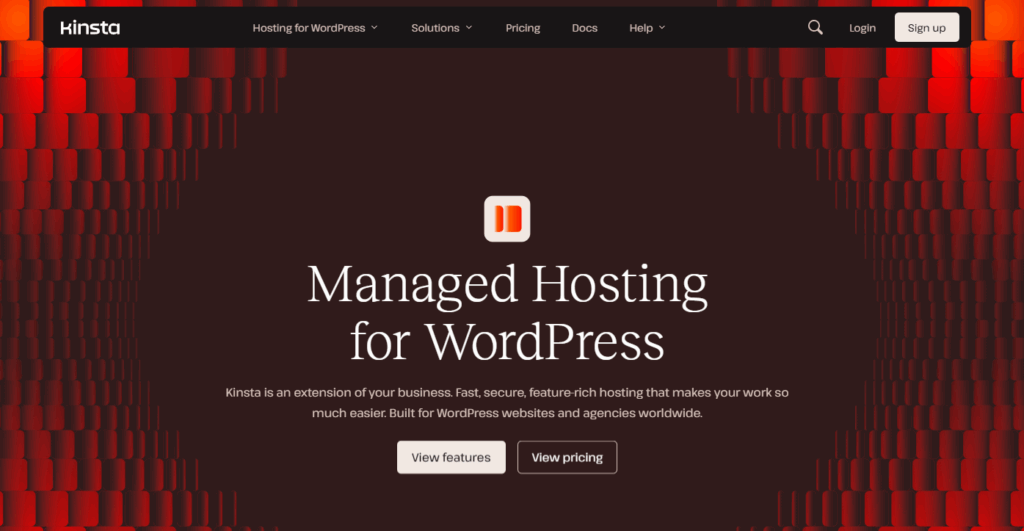
Are you looking for premium hosting for high-traffic, demanding websites? This is what Kinsta is known for. It makes use of Google’s top CPU servers to bring high-performing hosting for websites that need it.
Kinsta’s WordPress security approach is quite different. It focuses on offering premium hosting that is secure by design, rather than plugging in security features. In other words, your WordPress site runs on a premium network that is inherently secure. On top of that, it uses Cloudflare for DDoS protection.
Why we like it
- Great performance
This results from combining Google’s top CPU servers and a high-performance CDN. - Solutions for both dynamic and static sites
Kinsta supports hosting both static and dynamic WordPress sites. However, it isn’t purpose-built for static WordPress sites like Simply Static Studio. - Advanced developer tools
Including the Kinsta API for creating workflows, WordPress debugging messages, and Database management right from your Kinsta dashboard.
Be advised: Kinsta’s hosting is ideal for busy websites or those that experience frequent traffic spikes, for example, ecommerce sites. If you have a simpler website, it is overkill.
Bottom line: Kinsta offers premium hosting for WordPress websites that demand performance most of the time.
Secure WordPress hosting provider 7: Bluehost
Best: Beginner-friendly option.
Price: Starts at $3.99/month and renews for $9.99/month after.
Bluehost’s WordPress hosting solution is one of the most accessible and beginner-friendly options in this list. Here’s why.
First, like most solutions mentioned above, it comes with WordPress pre-installed. You can easily set up and manage WordPress sites using its user-friendly dashboard. If you have no experience whatsoever, you can make use of its AI website builder to create your entire site or parts of it.
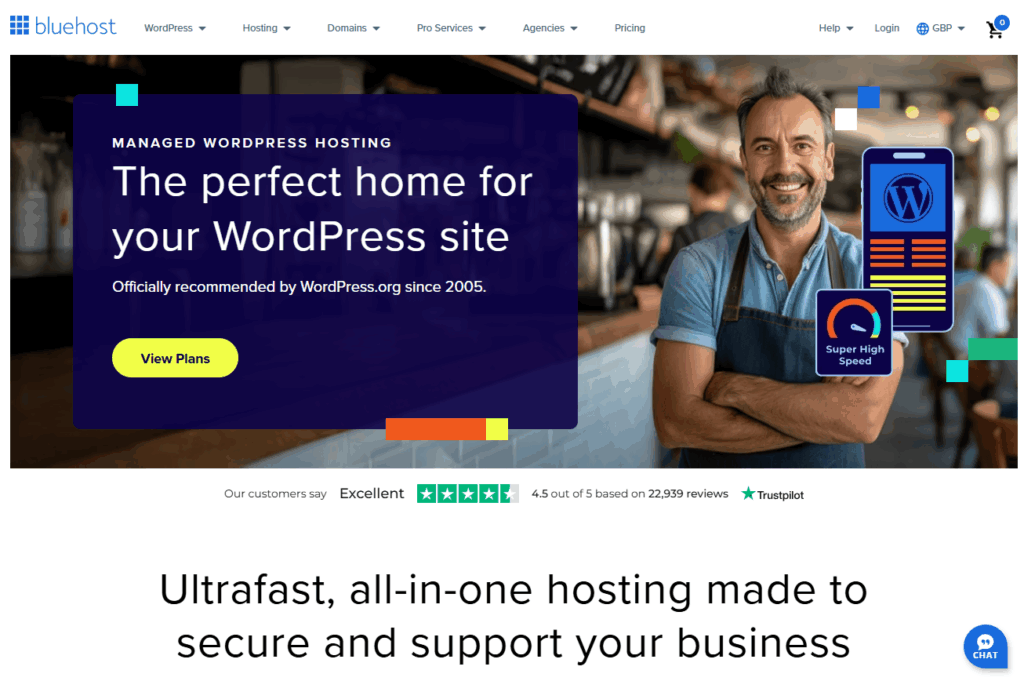
Keep in mind that Bluehost is one of the few hosts officially recommended by WordPress.org. This assures you that it blends well with WordPress.
Why we like it
- Essential managed security included
For instance, free SSL, daily/weekly backups, malware scanning, DDoS protection, etc. - Good customer support
Bluehost offers customer support through various channels, including live chat and phone. This is great if you’re a beginner; you’ll get the support you need if you get stuck. - Free site migrations
If you’ve already set up your WordPress site elsewhere, Bluehost’s team will migrate it to the platform for you free of charge.
Take note: Although Bluehost offers a cheap entry price, it requires you to commit to it for the first 36 months. After that, you renew at a higher price.
In summary: Bluehost offers an accessible WordPress hosting plan. It is a great option for beginners, looking for a simple hosting solution that takes most of the work off their hands.
Most secure WordPress hosting service FAQs
Why is a WordPress site not secure?
A WordPress website isn’t inherently secure because security risks can come from various sources. From outdated themes and plugins, weak passwords, and unpatched core files to poor hosting configurations.
Because WordPress is open source, hackers have access to its code and know where to look for weaknesses.
What is the most secure hosting?
The most secure WordPress hosting providers combine strong server-level protection and active monitoring.
This means:
– Secure server connections (SSH/SFTP).
– DDoS protection.
– A WAF.
– Automated backups and updates.
– Monitoring your site for threats.
We recommend Simply Static Studio for all your WordPress security needs. On top of this, it gives you the security benefits of a static site and separates your static site from WordPress and its vulnerabilities.
Is the site security provided by managed WordPress hosting enough?
Not necessarily. Managed WordPress hosting gives you a strong security foundation by securing your network, servers, and the WordPress core.
But, you still need to:
– Use trusted themes and plugins.
– Secure admin accounts.
– Add extra protections like two-factor authentication.
The verdict: the most secure WordPress hosting
Great WordPress security starts with selecting a secure WordPress hosting provider. Because there are so many secure providers available, the right choice depends on what you need or prefer.
Built-in protection, security add-ons, high-performance servers, or great customer service. There are options for all of them.
Here are our top picks:
- Best all-round option for speed and security – Simply Static Studio.
- Best for high-performance, if you’re ready to invest – Kinsta.
- Best budget-friendly option – Hostinger.
Try static WordPress hosting free for 7 days
No credit card. No maintenance. No headaches.
Table of Contents